How to Find and Fix Your Blog's Worst-Performing Posts (Using Only Free Tools)
You don't need Ahrefs or an agency to run an SEO content audit. Here's a step-by-step process using Google Search Console and a simple 3-bucket triage system to find and fix your underperforming blog posts in one afternoon.
Rori Hinds··9 min read
You’ve been publishing blog posts for months. Maybe you’ve got 15, 20, even 40 posts live. Traffic? Still flat. The natural instinct is to write more — crank out another batch of posts and hope something sticks.
But here’s what nobody tells you: your next big traffic win is probably hiding inside a post you already published. Running an SEO content audit on your existing content is almost always higher-ROI than writing something new from scratch.
HubSpot proved this when they started refreshing old blog posts instead of just churning out new ones. The result: a 106% increase in organic search views and more than double the leads from updated posts — all within nine months.
You don’t need Ahrefs. You don’t need an agency. You need Google Search Console (free), a spreadsheet, and about three hours.
What you'll need for this audit
Google Search Console — verified and collecting data for at least 3 months
Google Sheets or any spreadsheet — for tracking your triage
~3 hours of focused time
Optional: Semrush or Ahrefs free tier for one quick check (not required)
The 3-Bucket Triage: Every Post Falls Into One of These
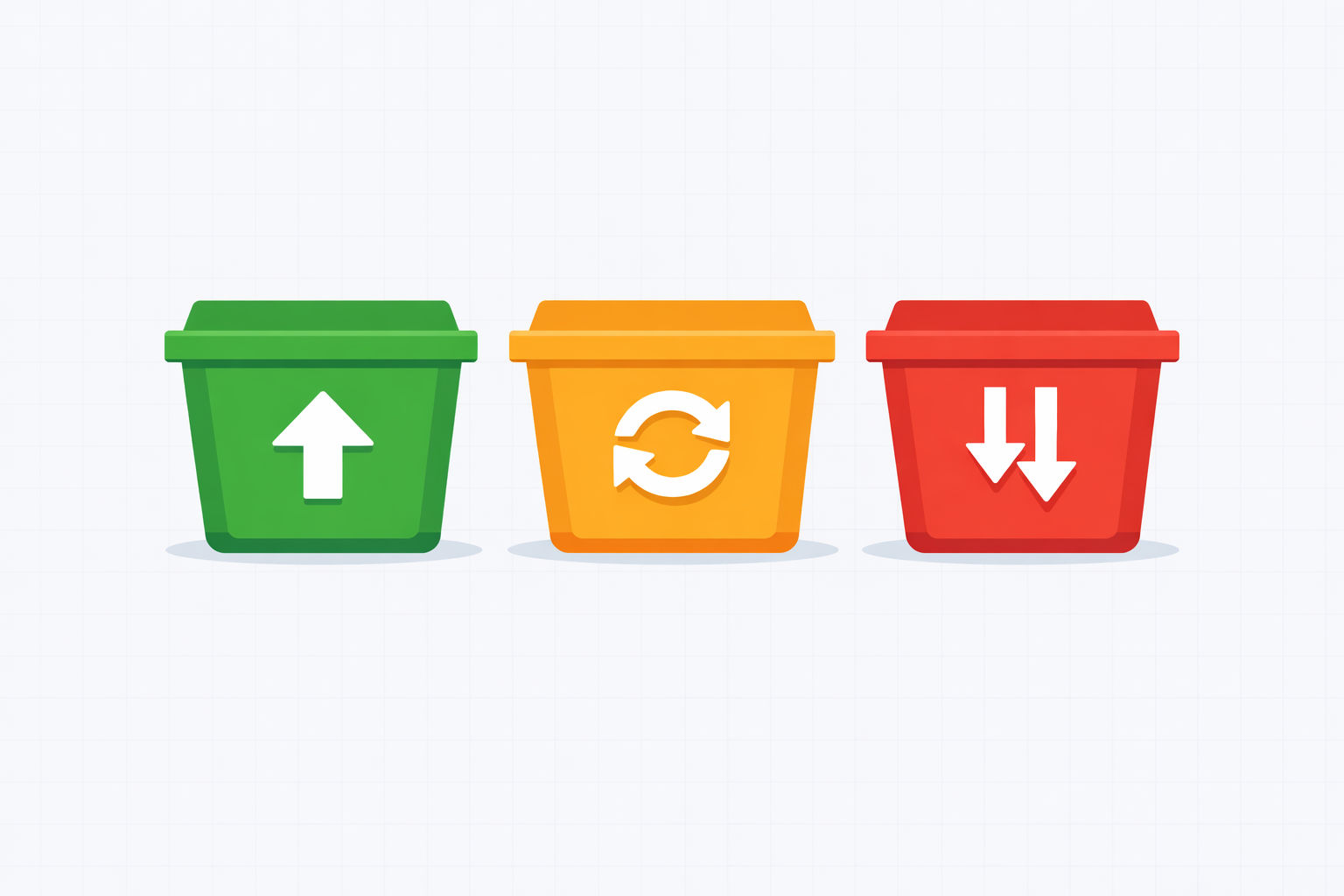
Forget complex content audit spreadsheets with 47 columns. When you’re trying to fix underperforming blog posts, you only need three categories.
Every post in your blog falls into one of three buckets. Your job is to sort them fast.
The 3-bucket content audit triage system
Bucket
What it means
GSC signal
Action
🟢 Winners
Already driving clicks. Top 1-4 positions.
High clicks, strong CTR, top positions
Protect and amplify. Add internal links, update CTAs, build more content around the topic.
🟡 Climbers
Ranking but not clicking. Positions 5-20.
High impressions, low clicks, mid-range positions
Refresh. This is your quick-win zone — small improvements can push these onto page 1.
🔴 Losers
Dead weight. No traffic, no impressions, or cannibalizing other posts.
Near-zero clicks, position 50+, or multiple pages competing for same query
Consolidate into a stronger post (301 redirect) or kill entirely.
The climbers bucket is where the money is. These are posts that Google already thinks are relevant enough to show — they just need a push to break into the top spots where the actual clicks happen.
Andy Crestodina of Orbit Media puts it simply: “You probably have some older content that ranks but doesn’t yet rank high.” Those posts are your highest-leverage opportunities.
How to Pull the Exact GSC Report (Step-by-Step)
This is the Google Search Console tutorial that actually matters. You’re looking for one specific thing: posts ranking in positions 5-20 with high impressions but low clicks. These are the posts where a small improvement can unlock disproportionate traffic gains.
Finding your quick-win posts in Google Search Console
Step 1
Open Performance → Search Results
In GSC, go to **Performance → Search results**. Set the date range to **Last 3 months** (enough data to be meaningful, recent enough to be actionable). Toggle on all four metrics: Total clicks, Total impressions, Average CTR, and Average position.
Step 2
Filter for positions 5-20
Click the **"+ New"** button above the data table → select **Position** → set it to **greater than 4** and **less than 21**. This filters out your existing winners (top 4) and the long shots (page 3+), leaving you with the sweet spot.
Step 3
Sort by impressions (descending)
Click the **Queries** tab and sort by **Impressions** from highest to lowest. High impressions = people are searching for this. Position 5-20 = you're showing up but not getting clicked. That's your quick-win list.
Step 4
Map queries to pages
Click on each promising query, then switch to the **Pages** tab. This shows which URL is ranking for that query. If you see **multiple URLs** ranking for the same query, you've found keyword cannibalization — flag it for consolidation.
Step 5
Export and build your triage spreadsheet
Export the top 20-30 queries and their pages. Drop them into a spreadsheet with columns for: URL, Top Query, Position, Impressions, Clicks, CTR, and your Action (refresh, consolidate, or kill). That's your audit.
Before you touch anything
Check what other queries each page ranks for before editing. A post might rank #15 for your target keyword but #3 for something else you didn't expect. Editing carelessly can tank those hidden wins. Always check the Pages view first, then look at all queries for that specific URL.
Your Audit Spreadsheet Template
Here’s the dead-simple spreadsheet you should build. Five rows to start — your top five climber posts. You can always add more later, but starting with five keeps this an afternoon project, not a weekend project.
Example content audit triage spreadsheet — copy this structure for your own blog
URL
Top Query
Avg Position
Impressions (3mo)
Clicks (3mo)
Bucket
Action
/blog/your-post-1
best crm for startups
8.2
4,200
120
🟡 Climber
Refresh: update stats, add comparison table
/blog/your-post-2
how to set up stripe
14.6
6,800
45
🟡 Climber
Refresh: rewrite intro, add step-by-step
/blog/your-post-3
saas pricing models
22.4
1,100
8
🔴 Loser
Consolidate with /blog/pricing-guide (301)
/blog/your-post-4
react dashboard tutorial
3.1
2,900
580
🟢 Winner
Protect: add internal links from new posts
/blog/your-post-5
startup marketing tips
47.0
200
2
🔴 Loser
Kill: noindex or redirect to pillar post
What “Refreshing” a Post Actually Means
Let’s be specific. “Refresh your content” is vague advice. Here’s exactly what to do when you’re trying to improve blog post rankings for a climber post.
This is the part where most blog post optimization guides get hand-wavy. We won’t.
The 6-point refresh checklist
Step 1
Rewrite the intro (first 100 words)
Your intro is doing the heaviest lifting for bounce rate and dwell time. If it starts with fluffy context-setting ("In today's competitive landscape..."), cut it. Start with the specific problem or answer the reader is looking for. Match the search intent of the top query.
Step 2
Update every stat and date reference
Nothing kills credibility faster than a statistic from 2021. Replace every data point with the most recent number you can find. If a stat can't be updated, remove it. Add the year to your title tag if it makes sense (e.g., "Best CRM for Startups in 2025").
Step 3
Fix your keyword targeting
Look at the actual queries driving impressions to this page in GSC. Are you targeting the right primary keyword in your H1, first paragraph, and one H2? Are there related queries you're ranking for that you could weave into the content naturally? Don't stuff — just align.
Step 4
Add 2-3 internal links (both directions)
Link FROM this post to your best-performing related content. Then go to 2-3 of your strongest posts and add a link TO this refreshed post using keyword-rich anchor text. Internal links are the single most underused SEO lever for small blogs.
Step 5
Improve scannability
Add a comparison table, a bullet list, or a step-by-step section if you don't already have one. Google increasingly rewards structured content that directly answers queries — and featured snippet wins can 2-3x your CTR.
Step 6
Update the meta title and description
Rewrite your title tag to include the primary query and a clear benefit. Rewrite your meta description to match what someone searching that query actually wants to know. This alone can improve CTR by 20-30% without changing your ranking position at all.
Don't trash it. Recycle. Keep the URL but rewrite the page.
After refreshing, go to URL Inspection in GSC, enter the updated URL, and click “Request Indexing.” Google typically re-crawls within 24-48 hours. Then watch your positions over the next 2-4 weeks.
This is the decision most founders get wrong. You have two thin posts about similar topics. Do you merge them or just improve one?
Here’s the rule:
Consolidate vs. Rewrite: When to use each
Rewrite (keep URL, overhaul content)
The post has its own distinct topic and search intent worth keeping
The URL already has backlinks or ranking history you want to preserve
The content is just outdated or poorly written, not redundant
You can make it substantially better without pulling from other posts
Rewrite (keep URL, overhaul content)
Rewrites that change the topic too much can confuse Google temporarily
If the original had zero signals (no links, no impressions), starting fresh with a new URL might be cleaner
Takes more effort than a quick consolidation
Quick cannibalization check
In GSC, click on a query → switch to Pages tab. If you see two or more of your URLs ranking for the same query, that's cannibalization. Pick the stronger URL (more backlinks, better content), consolidate the best parts of the weaker post into it, and 301 redirect the old URL. One strong page always beats two mediocre ones.
The Numbers: What a Content Refresh Can Actually Do
Let’s look at documented results, not vibes.
Backlinko’s Content Relaunch study is one of the most cited examples. Brian Dean took an existing post ranking #7 for “white hat SEO,” refreshed and expanded the content, and republished it. The result: 260.7% increase in organic traffic in 14 days and a jump from position #7 to #4.
At a larger scale, Organic Arbitrage documented a case study where a site operator refreshed 47 articles that had lost 40%+ of their traffic. Zero new content published. The result: traffic doubled from 18,400 to 36,200 monthly visitors in 90 days — a 96% increase — and revenue climbed 78%.
And Stat Digital reported that revamping just 9 blog posts for one client drove traffic from 4,464 to 11,964 monthly visits (a 2.7x increase) and signups jumped from 12 to 83 per month — a 6.9x increase.
The pattern across every case study is the same: refreshing existing content that already has some search traction produces faster and bigger results than publishing new posts from zero.
This is especially true for bootstrapped SaaS blogs where you might only have 20-50 posts. You can’t afford to let half of them underperform. Every post needs to pull its weight.
If you’re running your blog through a headless CMS setup, refreshing is even easier — your content is already structured and accessible via API, which means updates propagate instantly.
The Afternoon Audit: Your Action Plan
Here’s how to run your entire SEO content audit in one sitting.
Your 3-hour content audit timeline
Hour 1
Pull your GSC data
Export the Performance report filtered for positions 5-20, sorted by impressions. Build your triage spreadsheet with the top 20-30 queries mapped to pages.
Hour 2
Triage every post
Sort each post into Winners, Climbers, or Losers. Check for cannibalization (multiple URLs on the same query). Flag your top 5 climbers for immediate refresh.
Hour 3
Refresh your top 2-3 climbers
Run through the 6-point refresh checklist on your highest-potential posts. Update stats, rewrite intros, add internal links, fix meta tags. Request re-indexing.
That’s it. Three hours. No expensive tools. No agency retainer.
You can do this once a quarter, and each time you’ll find new climbers to push up and new losers to prune. Over time, this compounds. Your blog gets leaner and every post carries more weight.
If you want to take this further, the backlink strategies we covered for bootstrapped SaaS pair perfectly with content refreshes. Updated content + fresh internal links + a few earned backlinks = compounding organic growth without writing a single new post.
Stop Writing New Posts. Fix the Ones You Have.
Most founders’ blogs don’t have a volume problem. They have a quality-per-post problem.
You’ve already done the hard work of publishing. The topics are chosen, the URLs exist, Google has crawled them. Now you just need to make each post earn its keep.
Pull up Google Search Console. Build the spreadsheet. Sort your posts into three buckets. Refresh your climbers. Kill your losers. Protect your winners.
Do this before you write your next new post. The ROI will surprise you.
Too busy to audit and refresh your content manually?
Vibeblogger handles the entire blog operation — from keyword research to published, SEO-optimized posts. So you can focus on building your product while your blog compounds traffic in the background.