How to Add a Blog to Your SaaS Using a Headless Blog API (Without Slowing Down Your Dev Roadmap)
A practical guide for SaaS founders who need SEO content but don't want to bolt on WordPress. Learn how a headless blog API gets you a production blog in 2-3 hours — with better performance and zero maintenance overhead.
Rori Hinds··9 min read
You shipped your SaaS. Users are signing up. Now someone (probably you, at 11pm) remembers that you need a blog for SEO.
So you look at your options. WordPress? That means a separate hosting environment, PHP, a database you don’t want, and a plugin ecosystem that’ll eat 2-3 hours of your month just staying patched. Building something custom? Cool, there goes your next sprint.
Here’s the shortcut: a headless blog API lets you add a full blog to your existing app in a couple of hours. No new infrastructure. No maintenance. Just API calls you already know how to make.
This is the guide I wish someone had sent me on Slack before I wasted a weekend evaluating WordPress hosting plans.
Why “Just Use WordPress” Is a Dev-Time Trap
Every time a founder asks how to add a blog, someone says “just use WordPress.” It sounds easy. It’s not.
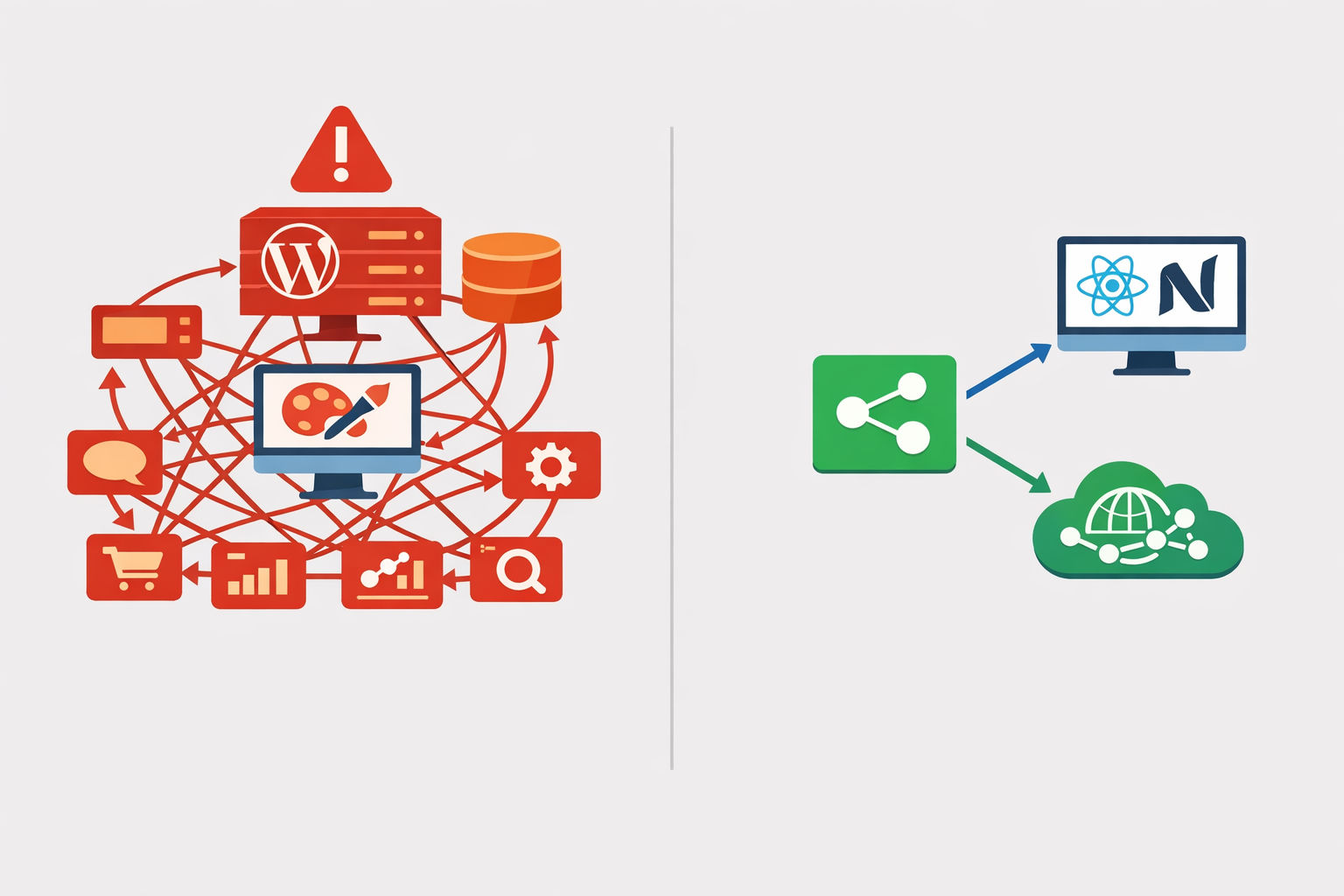
WordPress is a monolithic PHP application that needs its own server, its own database, its own update cycle, and its own security posture. For a SaaS founder running a React or Next.js app on Vercel, it’s like bolting a horse trailer onto a Tesla.
Here’s what WordPress actually costs you in time:
WordPress maintenance overhead for a solo developer (source: Marketpath research)
Task
Frequency
Time per occurrence
Plugin and theme updates
1-2x per month
15-30 minutes
Core WordPress updates
2-3x per year
15-30 minutes
Troubleshooting broken updates
2-4x per year
1-2 hours each
PHP version migration
Every 2-3 years
4-6 hours
Security monitoring and patching
Ongoing
1-2 hours/month
That adds up to 1.5-3 hours per month for a simple blog — and that’s just keeping the lights on, not writing content. According to Marketpath’s research, a typical WordPress site requires 6.8-24.5 hours of maintenance per year.
Then there’s the security angle. In 2025 alone, the WordPress ecosystem saw 11,334 new vulnerabilities — a 42% increase over 2024. And 96% of those came from plugins, according to Patchstack.
You didn’t build a SaaS to babysit a PHP blog.
The WordPress monolith vs. a headless blog API — one of these takes a sprint to maintain, the other takes an afternoon to set up.
How a Headless Blog API Actually Works (You Already Know This Pattern)
If you’ve ever called a REST API, you already know how a headless blog API works. That’s the whole point.
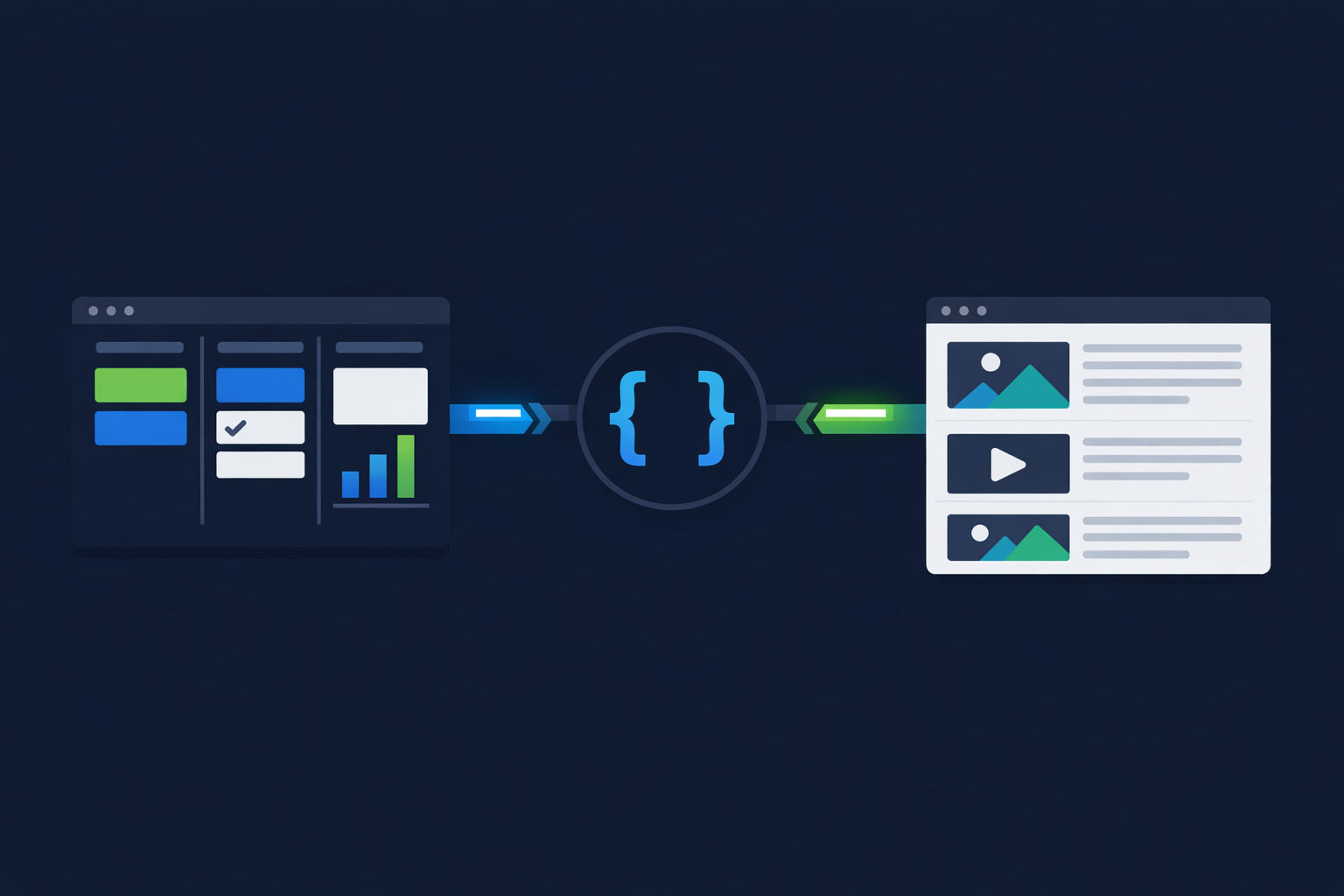
A headless CMS stores your content — blog posts, images, metadata — and exposes it through a REST or GraphQL API. Your frontend fetches it and renders it however you want. No templates. No themes. No PHP.
The integration pattern looks like this:
Headless Blog API Integration in 4 Steps
Step 1
Set up your content model
Create a blog post type with fields: title, slug, body (markdown or rich text), excerpt, featured image, published date, and SEO meta. Most headless CMS platforms have blog templates — this takes 10 minutes.
Step 2
Install the SDK and add your API keys
Run `npm install` for your chosen CMS SDK (or just use fetch). Add your API key and bucket/project ID to your .env file. That's 5 minutes.
Step 3
Create your blog routes
Add a `/blog` index page and a `/blog/[slug]` dynamic route to your existing app. Fetch posts from the API at build time (SSG) or on request (SSR/ISR). This is the same data-fetching pattern you use for everything else in your app.
Step 4
Deploy and set up webhooks
Push to your existing CI/CD pipeline. Configure a webhook from your CMS to trigger a rebuild or cache invalidation when content changes. Your blog is now live — on your domain, in your stack, under your control.
That’s it. No separate hosting. No database migration. No new deployment pipeline.
As Sanity’s engineering team puts it: “Popular modern frameworks, like Next.js and SvelteKit, work best with APIs for content. Headless CMSes give developers those approachable APIs.”
The actual integration code is minimal. Here’s what fetching blog posts looks like with a typical headless blog API:
Multiple practitioner tutorials — including guides from Cosmic, Sanity, and Strapi — estimate a production-ready headless blog integration at 30 minutes to 2 hours for a developer familiar with their framework. Compare that to the WordPress setup-plus-maintenance cycle of 2-3 hours initially plus 1.5-3 hours every single month.
The Dev Time Math: 2 Hours vs. 2 Hours Every Month
Let’s get specific about what each approach actually costs you.
If you’re building a SaaS and consistency matters more than viral hits, you need a content setup that doesn’t compete with your product roadmap for engineering time.
That’s not a rounding error. It’s the difference between losing a full work week to blog maintenance and spending a single afternoon.
And it gets worse over time. WordPress maintenance hours tend to increase as you add content, plugins, and complexity. A headless blog API stays flat — your CMS provider handles the backend, and your frontend is just static HTML at a CDN edge.
69% of headless CMS users report improved time-to-market and productivity, according to Storyblok’s 2025 CMS report. That tracks. When your blog is just another API consumer in your existing stack, it doesn’t create a second operational surface.
The SEO Upside You Get for Free
Here’s where the headless blog API approach goes from “easier” to “actually better.”
Most founders add a blog because they want SEO traffic that compounds over time. A headless architecture gives you structural SEO advantages that WordPress fights you on.
Performance that Google rewards
Core Web Vitals are a ranking signal. Here’s what the 2026 benchmarks from ManekTech show:
That’s not a minor difference. Moving from a 3-second load time to 1 second reduces bounce rates by roughly 32% and can triple conversion rates, according to Contentstack’s research.
Full routing control
With a headless setup, your blog lives at yoursaas.com/blog — not blog.yoursaas.com or some awkward subdomain. You own the routes. You control the URL structure. You get the full domain authority benefit.
Programmatic sitemaps generated from the same data you’re already fetching
No plugins. No routing conflicts with your app. Just your framework’s built-in routing.
Schema markup without plugins
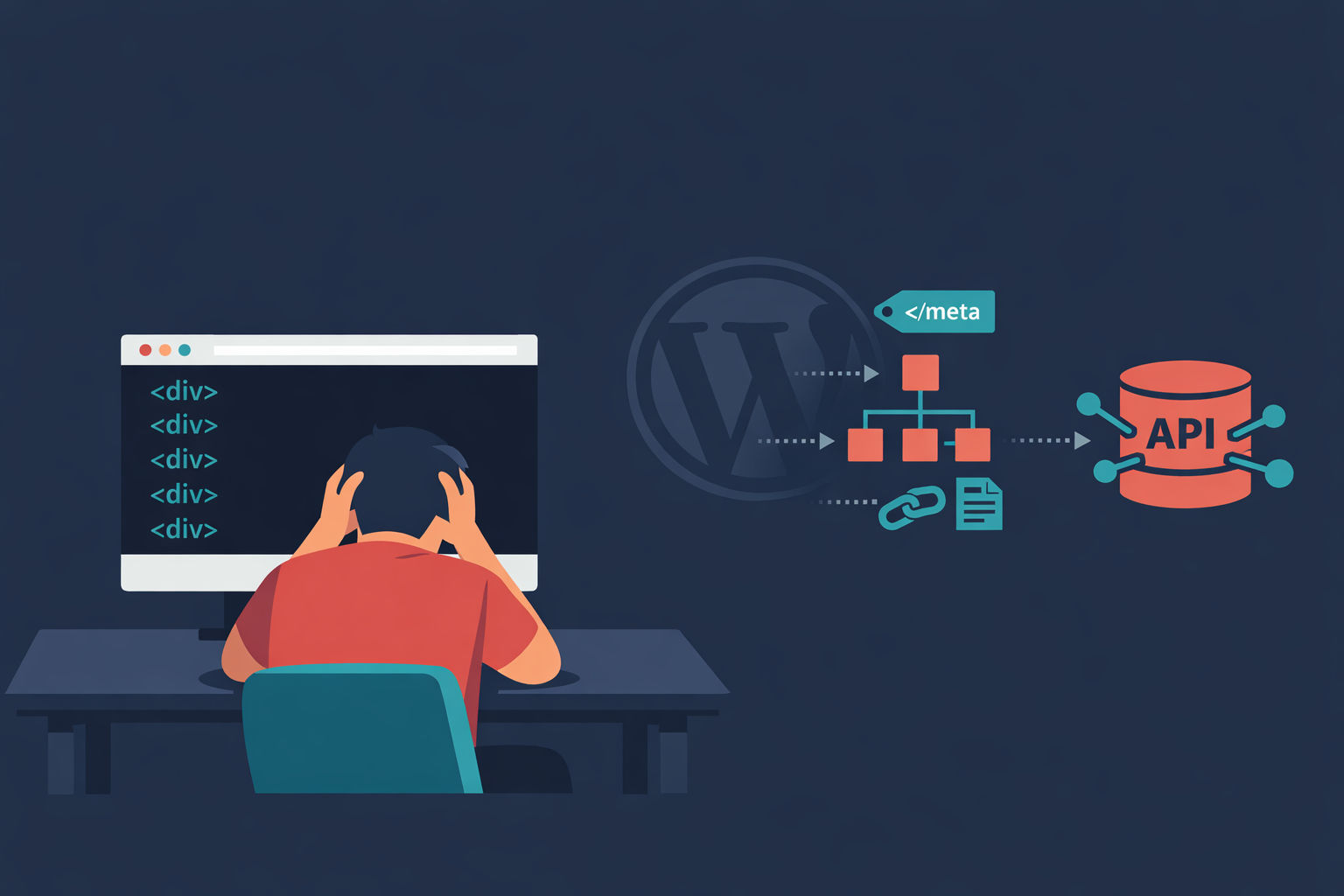
In WordPress, structured data means installing yet another plugin. With a headless blog API, your content model is your schema source.
You define title, author, datePublished, description as fields in your CMS. Then you output them as JSON-LD in your page template. It’s 15 lines of code, and it works the same way every time — no plugin update can break it.
With Next.js ISR (Incremental Static Regeneration), your blog pages are pre-rendered as static HTML and cached at edge locations globally. When content changes, a webhook triggers revalidation. Your users get sub-200ms TTFB, Googlebot gets fully rendered HTML on the first request, and you didn't write a single caching plugin config.
The Decision Framework: When Does a Headless Blog API Make Sense?
A headless blog API isn’t always the right call. Here’s how to think about it.
Headless Blog API vs. Managed Platform vs. Full CMS
Full WordPress Install
Massive plugin ecosystem for almost anything
Familiar editing experience for content teams
Thousands of themes available
Full WordPress Install
1.5-3+ hours/month ongoing maintenance
Separate hosting, database, and security surface
96% of vulnerabilities come from plugins
Performance requires extensive optimization work
Doesn't fit into modern CI/CD workflows
Use a headless blog API when:
You already have a deployed SaaS app built on a modern framework (Next.js, Nuxt, SvelteKit, Remix)
You want your blog on your main domain for SEO
You or your co-founder can write content (or you automate it)
You don’t want a second infrastructure stack to maintain
Use a managed platform when:
You have zero dev time available and need a blog today
You’re pre-product and just need a place to write
Email distribution matters more than SEO
Use WordPress when:
You have a dedicated content team that needs a visual editor
You’re already running WordPress for other business reasons
You’re comfortable allocating 2-3 hours/month to maintenance
For most SaaS founders reading this? The headless blog API is the move. 73% of businesses already use headless architecture (up from 64% in 2021), and adoption is even higher — 53% — among companies with fewer than 5,000 employees.
The Bottom Line
You need a blog. You don’t need a second infrastructure problem.
A headless blog API gives you a production blog on your domain, in your stack, with your routing — in an afternoon. No WordPress hosting. No plugin updates at 2am. No separate deployment pipeline that’s secretly rotting while you ship product features.
The integration is boring in the best way. It’s just fetch(). You already know how to do this.
Vibeblogger handles the full blog operation — research, writing, images, and publishing via API — so you don't have to build or maintain anything. It's the headless blog API approach taken to its logical conclusion.