Programmatic SEO for SaaS: How to Build Pages at Scale That Actually Rank
Zapier built 50,000+ pages and gets 9M organic visits per month. Here's the exact programmatic SEO strategy, tech stack, and decision framework solo founders need to build pages at scale — without triggering Google's thin content penalties.
Rori Hinds··9 min read
You’ve been writing blog posts one at a time. Researching a keyword, drafting 2,000 words, formatting, publishing. Maybe you ship two posts a week if you’re disciplined.
Meanwhile, Zapier has 50,000+ integration pages pulling in over 9 million organic visits per month. Nomad List — built by one person — has 24,000+ pages generating 50K monthly visits and roughly $3M in annual revenue.
They’re not writing those pages by hand. They’re using programmatic SEO — and it’s the single highest-leverage growth strategy available to SaaS founders sitting on structured data.
Programmatic SEO vs. Traditional SEO: What’s Actually Different
You already know SEO. You write content, optimize for keywords, build links, and wait for Google to rank you. That’s traditional SEO. It works, but it’s linear — one page of effort equals one page of output.
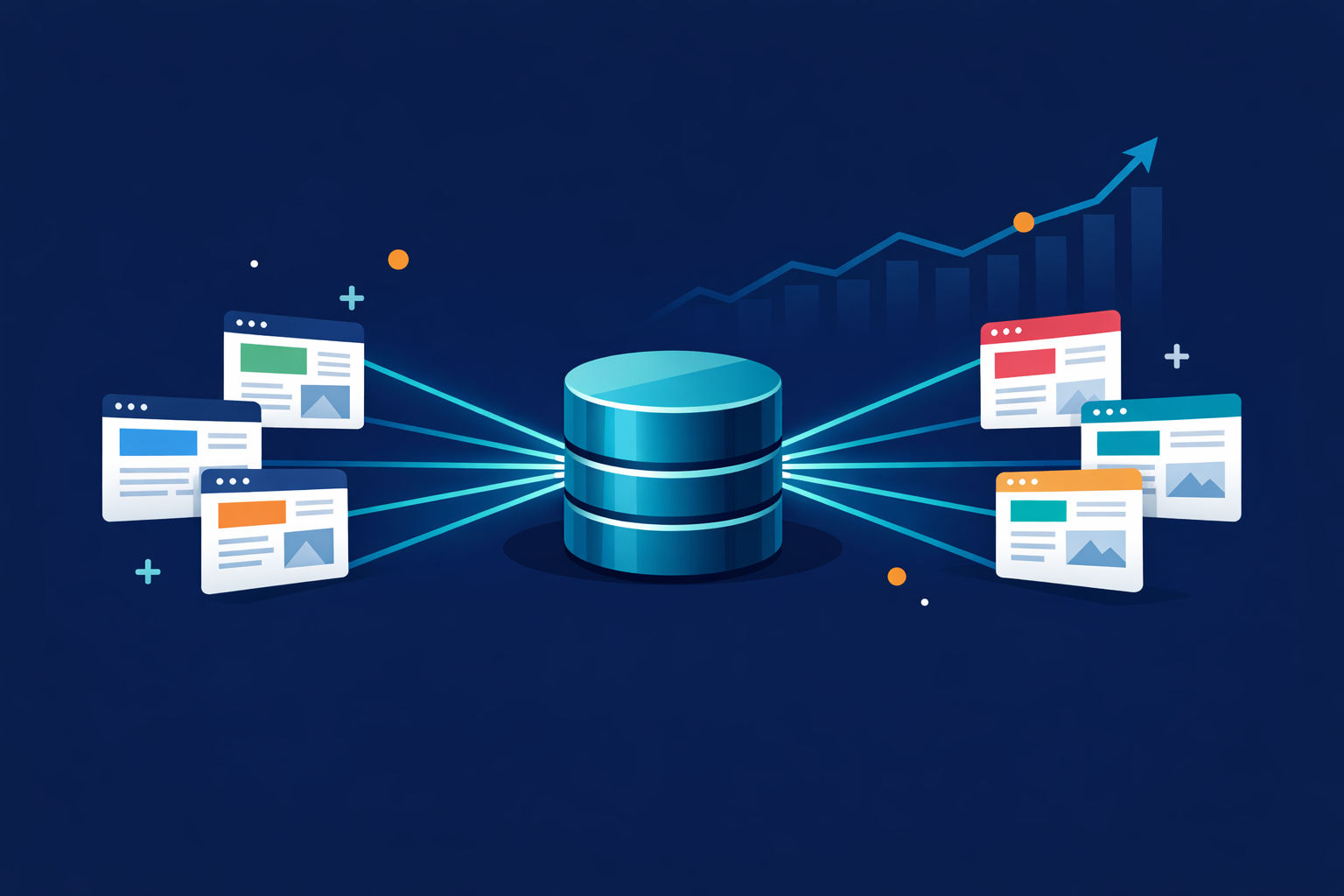
Programmatic SEO flips this. Instead of writing each page individually, you build a system that generates hundreds or thousands of pages from a structured dataset and a reusable template.
Think of it like this: traditional SEO is artisanal bread. Programmatic SEO is a bread factory. Same ingredients, different throughput.
The key distinction — and this is where most people get confused — is that programmatic SEO is not AI content. As Corey Haines (ex-Head of Growth at Baremetrics) puts it: “Programmatic SEO versus traditional SEO just means that the pages are generated programmatically. It doesn’t necessarily mean using AI.”
You’re not prompting ChatGPT to spit out 500 blog posts. You’re mapping structured data to page templates that each serve a specific search intent.
Real Examples With Real Numbers
Let’s look at what programmatic SEO actually produces in the wild.
Programmatic SEO examples across SaaS companies — data from Ahrefs, Semrush, and case study analyses
Company
Page Type
Pages
Monthly Organic Visits
Key Metric
Zapier
Integration pages ("Connect X to Y")
50,000+
9M+
Over 90% from non-branded searches
Nomad List
City profiles for digital nomads
24,000+
50,000+
Built by one person, ~$3M ARR
Canva
Template landing pages
Tens of thousands
50M+
Largest pSEO program in SaaS
Wise
Currency pair conversion pages
Thousands
Millions
Each page has live exchange rate data
Dynamic Mockups
Product mockup landing pages
Hundreds
17,700/mo
+850% traffic in 10 months
Notice the pattern? Every one of these companies had structured product data they could turn into pages. Zapier had integrations. Nomad List had city data. Canva had templates. They didn’t invent content — they surfaced what they already had.
At KrispCall, programmatic pages drive 82% of total site traffic. That’s not a side project. That’s the entire acquisition engine.
And here’s the part that matters for your content strategy: a single Zapier integration hub page (like “Gmail integrations”) pulls in roughly 60,000 organic visits per month. Their individual “How to connect X + Y” pages? Around 800–1,100 visits each. Small numbers per page, but multiplied across 50K pages, it compounds into a traffic machine.
The three core ingredients that separate programmatic SEO that ranks from pages Google ignores
The Three Core Ingredients of Programmatic SEO
Every successful programmatic SEO implementation has exactly three things. Miss one, and the whole thing falls apart.
1. A Structured Data Source
This is your raw material. It’s a database, spreadsheet, or API where each row represents one page and each column represents an attribute.
For Zapier, it’s their integrations directory — every app, every possible combination. For Nomad List, it’s a single CSV with 24,000+ cities and 50+ data points per city (cost of living, internet speed, safety scores, weather).
Your SaaS probably has structured data you’re not surfacing: integrations you support, use cases by industry, feature comparisons, customer segments, geographic coverage. That’s your dataset.
2. A URL Template System
This is the page blueprint. One template that gets populated with data from each row.
A Zapier integration page always has the same structure: what the integration does, popular workflows, how to set it up, related integrations. The template is identical. The data changes.
Technically, this means a dynamic route in Next.js (/integrations/[slug]), a collection template in Webflow, or a page builder pulling from your CMS. If you’ve ever set up a headless blog API, you already understand the pattern.
3. A Unique Value Layer
This is where 70% of programmatic SEO attempts fail. GTMStack audited roughly 40 pSEO implementations and found that about 70% underperformed — not because of bad engineering, but because of insufficient data.
Swapping a city name into the same boilerplate paragraph isn’t enough. Google’s systems detect pages that are 90% identical and either fold them into one canonical or leave them unindexed forever.
Each page needs something genuinely unique. Nomad List adds 50+ real data points per city. Zapier shows actual workflow configurations. Wise displays live exchange rates. The unique value layer is what separates a useful page from a thin content penalty.
The Thin Content Trap
Google's March 2024 core update integrated the Helpful Content system directly into core ranking. Result: a 45% reduction in low-quality content in search results. If your programmatic pages are just templates with swapped nouns, they can trigger a site-wide demotion — dragging down your best content too. Start with 20-50 pages and validate before scaling to hundreds.
When Programmatic SEO Works vs. When It Backfires
Let’s be direct about this. Programmatic SEO is powerful, but it’s not for everyone and it’s not without risk.
Programmatic SEO: Works vs. Backfires
Works When
You have genuinely unique data per page (pricing, reviews, stats, configs)
There's real search demand across variations ("[tool] + [tool] integration")
Each page solves a specific user intent that's different from every other page
You start with 20-50 test pages and scale based on indexation data
Your domain has some existing authority (even modest)
Backfires When
Pages are 90% identical with just a keyword swapped in the title
You dump 2,000+ pages at once without gradual rollout
Your data source is thin — just names and one-line descriptions
You skip indexation monitoring and let "Crawled - Currently Not Indexed" pile up
You treat it as a shortcut instead of an infrastructure investment
The Google Helpful Content integration into core ranking (March 2024) changed the math. Before, thin programmatic pages might get ignored individually. Now, a large cluster of low-value pages can trigger a site-wide quality signal that demotes everything — including your carefully written blog posts and product pages.
One IndieRadar analysis described the failure pattern perfectly: “Smart founders treat pSEO as a content problem (‘I just need more text!’) or a script problem (‘I just need a loop!’). At scale, SEO is a distributed systems problem.”
The fix isn’t avoiding programmatic SEO. It’s treating quality as the primary constraint, not page count.
The Minimum Viable Stack for Solo Founders
You don’t need an enterprise CMS or a data engineering team. Here’s what actually works.
Build Your pSEO System in a Weekend
Step 1
Set up your data source (Google Sheet or Airtable)
Create a spreadsheet where each row = one page. Minimum columns: name, slug, summary (2-3 unique sentences), primary_content, seo_title, seo_description. Add columns for every unique data point per page. No empty summaries — missing summaries correlate directly with non-indexed pages.
Step 2
Build your page template (Next.js or Webflow)
Create a single dynamic route (Next.js: /pages/[slug].tsx with getStaticProps + getStaticPaths, or App Router with generateStaticParams). Or use Webflow's CMS Collection templates. One real-world example: a solo non-developer built 2,053 pages using Next.js + Google Sheets as the CMS, deployed free on Vercel.
Step 3
Connect data to template
For Next.js: expose your Sheet as a JSON API via Google Apps Script, fetch at build time. For Webflow: use Whalesync to sync Airtable → Webflow CMS automatically. Each row becomes a CMS item. Each field maps to a template section.
Step 4
Add your unique value layer
This is the make-or-break step. Add conditional sections that only render when data exists: FAQs, comparison tables, usage stats, user reviews, pricing data, feature-specific details. Use conditional visibility so pages with richer data get richer pages.
Step 5
Launch gradually and monitor
Publish ~10 pages per day initially. Monitor Google Search Console for indexation — watch "Crawled - Currently Not Indexed" closely. After 2-3 weeks, export GSC data filtered by your pSEO URL path. Kill or improve pages with zero impressions. Scale to your full dataset only after validation.
The $0 Stack That Actually Works
Google Sheets (data source) + Next.js (page template) + Vercel free tier (hosting) + Google Search Console (monitoring). Total cost: $0. One indie hacker used exactly this stack to build a 2,053-page site that generates SEO traffic — without writing a single line of code from scratch, using AI coding tools to build the templates.
The Google Sheets → Pages Pipeline
For solo founders, Google Sheets is honestly the best starting point. It’s free, you can do formulas for dynamic SEO titles, and everyone already knows how to use it.
Here’s the minimum viable schema:
Column A: name — display title (e.g., “Slack + HubSpot Integration”)
Column B: slug — URL path, lowercase, hyphens only (slack-hubspot-integration)
Column C: seo_title — formula: =A2 & " — How It Works, Setup Guide & Use Cases"
Column D: seo_description — 150 chars max, unique per row
Column F+: Your unique data columns — features, pricing, stats, FAQs
Expose this as a JSON endpoint using Google Apps Script (about 10 lines of code), and your Next.js site fetches it at build time. If you’re already running a headless CMS setup, this slots right into your existing architecture.
Airtable and Notion work too. Airtable is better for relational data (integrations that link to tools that link to categories). Notion is better if you already live there and want it as your editing surface. Both sync to Webflow via Whalesync or connect to page generators via SEOmatic.
The Decision Framework: Is Programmatic SEO Right for Your SaaS?
Not every SaaS needs programmatic SEO. Before you invest a weekend building this, run through this checklist.
Use this framework to decide if programmatic SEO fits your SaaS right now
Question
Green Light
Red Flag
Do you have structured data with 50+ entities?
Yes — integrations, locations, use cases, templates, industries
No — you'd need to create the data from scratch
Does search demand exist across variations?
People search "[your category] for [industry]" or "[tool] + [tool]"
Variations are too niche — <10 searches/month per variation
Can each page offer unique value?
You have different data, stats, or context per entity
Pages would be 90% identical with just a name swap
What's your domain authority?
DR 20+ with some existing organic traffic
Brand new domain with zero backlinks
How much time can you invest?
One weekend to build, 2-3 hours/week to maintain
You need results this week (pSEO takes 3-6 months)
Here’s the honest timeline: expect 3-6 months for meaningful traffic from programmatic pages. For low-competition long-tail keywords, some founders see traction in 6-8 weeks. But this isn’t a quick win — it’s infrastructure that compounds.
The best candidates are SaaS products with natural keyword patterns:
Integration pages: “[Your Product] + [Tool] integration” — works if you support 20+ integrations
Use case pages: “[Your Category] for [Industry]” — works if you serve multiple verticals
Comparison pages: “[Your Product] vs [Competitor]” — works if you have 10+ competitors
Location pages: “[Your Product] in [City/Region]” — works for local-adjacent SaaS
Template/resource pages: “[Type] template for [Use Case]” — works if your product has templates
If you checked mostly green lights, start with 20-50 pages targeting your strongest keyword pattern. Monitor indexation for 3-4 weeks. If Google indexes them and they start getting impressions, scale to your full dataset.
If you checked mostly red flags, focus on building your content foundation first. You need some domain authority and organic presence before programmatic pages will rank.
The Bottom Line
Programmatic SEO isn't about generating thousands of pages. It's about building a system that turns your structured data into search traffic at a ratio no amount of manual blog writing can match. Zapier didn't write 50,000 articles. They built a template, fed it data, and added genuine value to each page. You can do the same thing this weekend with a Google Sheet and Next.js. Start with 20 pages. Validate. Then scale.
Let Vibeblogger Handle Your Blog While You Build Your pSEO System
Programmatic SEO covers your landing pages. But you still need a blog for topical authority and backlinks. Vibeblogger researches, writes, and publishes SEO blog posts on autopilot — so you can focus on building your page generation system.