Here’s a stat that should change how you think about your blog: a Graphite study found that pages with high topical authority gain traffic 57% faster than those with low authority. Not domain authority. Not backlinks. Topical authority.
This matters because topical authority SEO is the one ranking lever that actually favors small sites. A DA25 blog that comprehensively covers one tight niche will outrank a DA80 site that covers that same topic with a handful of generic posts. Google’s Helpful Content system — now baked into the core algorithm since March 2024 — explicitly rewards sites that demonstrate deep expertise on specific subjects.
You don’t need to outspend the big sites. You need to out-focus them.
What Topical Authority Actually Means (It’s Not Just Backlinks)
Forget domain authority for a second. Domain authority is a third-party metric that measures how many quality sites link to you. It takes 12-18 months to build and heavily favors established brands.
Topical authority is different. It’s Google’s assessment of how deeply your site covers a specific subject. When Google’s systems see that your blog comprehensively answers every question around a topic — with posts that interlink and reference each other — it starts treating your site as the authority on that subject.
The mechanism is Google’s Knowledge Graph and entity understanding. Your content creates semantic connections. When you publish 15 interlinked articles about, say, time tracking for freelancers, Google maps those relationships and recognizes: this site really knows this topic.
Here’s what’s changed recently: Google’s March 2024 core update folded the Helpful Content system deeper into the algorithm. Sites with genuine topical depth got boosted. Sites with shallow, scattered content got hit. And in 2025, AI Overviews pull 47% of citations from pages that aren’t even in the traditional top 5 — meaning niche sites with real expertise are getting cited ahead of bigger competitors.
Topical Authority vs. Domain Authority: The Key Difference
Domain authority = how many quality sites link to yours. Takes 12-18 months, favors big brands.
Topical authority = how deeply your site covers one subject. Takes 2-6 months, favors focused niche sites.
For a solo founder with zero backlinks, topical authority is your fastest path to page 1.
The Math: Why 15 Posts Beat 200 Scattered Ones
Most founders hear “build topical authority” and picture writing hundreds of blog posts. They look at big-brand blogs with 500+ articles and assume that’s the cost of entry.
It’s not. The data says otherwise.
SEO practitioners consistently recommend 10-20 articles per content cluster as the sweet spot. HubSpot’s internal data shows their topic cluster model increased organic sessions by 13% week-over-week. One case study from TopicalMap.com documented a SaaS startup going from 0 to 114K organic traffic with just 30 targeted posts using a topical map strategy.
The key insight: structure beats volume. Fifteen tightly interlinked posts covering every angle of one topic will outperform 100 random posts scattered across 20 different subjects. Google rewards comprehensiveness within a topic, not raw page count. And if you want to pick the right keywords for each of those 15 posts, a solid long-tail keyword strategy will get you ranking faster than chasing high-volume terms you have no chance of winning.
More posts ≠ faster rankings. Structure and depth beat volume every time.
| Approach | Posts Needed | Timeline to Rank | Why It Works (or Doesn't) |
|---|
| 200 scattered posts | 200+ | 12-18 months | Covers many topics shallowly — no topical authority signal |
| 3-4 tight clusters of 15 posts | 45-60 | 3-6 months | Deep coverage of 3-4 topics, strong internal linking |
| 1 cluster of 15 posts (MVP) | 15 | 2-4 months | Dominates one niche completely — fastest path to rankings |
Step 1: Pick a Niche You Can Actually Own
This is where most founders go wrong. They pick a topic that’s too broad (“project management”) or too competitive (“email marketing”). The goal is to find a niche narrow enough that 15 posts can cover it comprehensively, but with enough search demand to be worth the effort.
Here’s the filter I’d use:
- Narrow enough: Can you list every subtopic in under 20 bullet points? If yes, it’s ownable.
- Connected to your product: Your cluster should naturally lead readers toward your SaaS. Content that doesn’t connect to your product is a vanity project.
- Low competition on long-tails: Search for your subtopics. If the top results are from forums, thin articles, or outdated posts, you can win.
- Search volume exists: Use Google’s free Keyword Planner or Ahrefs Webmaster Tools (free tier) to verify people actually search for these terms. Target long-tail keywords with 50-500 monthly searches and keyword difficulty under 20.
Don’t try to own “SaaS marketing.” Own “time tracking for freelance developers” or “invoicing for solo consultants” or “content scheduling for indie hackers.” The tighter the niche, the faster you build authority. Our guide to SEO for indie hackers breaks down exactly how to find those overlooked niches that larger competitors miss.
Step 2: Structure Your Cluster With Minimal Posts
A content cluster has three parts: one pillar page, supporting posts, and internal links tying them together. Here’s a concrete example for a fictional SaaS — a time tracking tool for freelancers.
Example content cluster: 1 pillar + 10 supporting posts covering the complete freelancer time-tracking topic.
| Post Type | Title | Target Keyword | Role in Cluster |
|---|
| 🏛️ Pillar | The Complete Guide to Time Tracking for Freelancers | time tracking for freelancers | Central hub — links to/from every supporting post |
| 📝 Supporting | How to Track Billable Hours Without Losing Your Mind | track billable hours freelance | Practical how-to, links back to pillar |
| 📝 Supporting | Time Tracking vs. Project-Based Pricing: Which Is Better for Freelancers? | time tracking vs project pricing freelancer | Comparison, links to pillar + billable hours post |
| 📝 Supporting | 7 Time Tracking Mistakes That Cost Freelancers Money | freelancer time tracking mistakes | Problem-aware content, links to pillar + pricing post |
| 📝 Supporting | How to Invoice Clients Based on Tracked Time | invoice clients tracked time | Adjacent topic, links to pillar + billable hours |
| 📝 Supporting | Best Free Time Tracking Methods for Solo Consultants | free time tracking methods | Tool comparison (bottom-of-funnel), links to pillar |
| 📝 Supporting | How to Estimate Projects Accurately Using Past Time Data | estimate projects time data freelance | Advanced use case, links to pillar + mistakes post |
| 📝 Supporting | Time Tracking for Freelance Developers: What's Different | time tracking freelance developers | Audience-specific, links to pillar + billing post |
| 📝 Supporting | Why Freelancers Undercharge (And How Time Data Fixes It) | freelancers undercharging time tracking | Pain point content, links to pillar + estimation post |
| 📝 Supporting | Weekly Time Review: A 15-Minute Habit That Increases Freelance Revenue | weekly time review freelancer | Actionable habit, links to pillar + mistakes post |
| 📝 Supporting | Time Tracking for Retainer Clients vs. One-Off Projects | time tracking retainer clients freelance | Scenario-specific, links to pillar + invoicing post |
That’s 11 posts. Not 200. And you’d cover the topic more thoroughly than most DR80 sites that have one generic “time tracking tools” listicle.
Notice the pattern: every supporting post targets a specific long-tail keyword, addresses a distinct user intent, and naturally links back to the pillar. The pillar page is the comprehensive overview — it links out to each supporting post for deeper dives.
Step 3: Use Internal Linking to Signal Topical Depth
Internal linking is the mechanism that turns 15 separate blog posts into one cohesive authority signal. Without it, your posts are just… 15 separate blog posts.
Here’s the internal linking playbook that actually works:
- Every supporting post links to the pillar page. This is non-negotiable. The pillar is your hub.
- The pillar page links to every supporting post. Usually in context, not just a list at the bottom.
- Supporting posts link to each other where it’s natural. Your invoicing post should link to your billable hours post. Your mistakes post should link to your estimation post.
- Aim for 2-5 contextual internal links per 1,000 words. Data from recent SEO analyses shows this is the optimal density for maximum ranking impact.
- Use descriptive anchor text. Link on “track billable hours accurately,” not “click here” or “read more.”
This creates what SEOs call a “semantic web” — a network of related content that tells Google exactly what your site is about. Sites with strong internal linking see rankings hold 2.5x longer and get 30%+ more organic traffic than sites with disconnected posts.
If you need a deeper dive on how to build an automated content pipeline that handles this internal linking systematically, we’ve covered that separately.
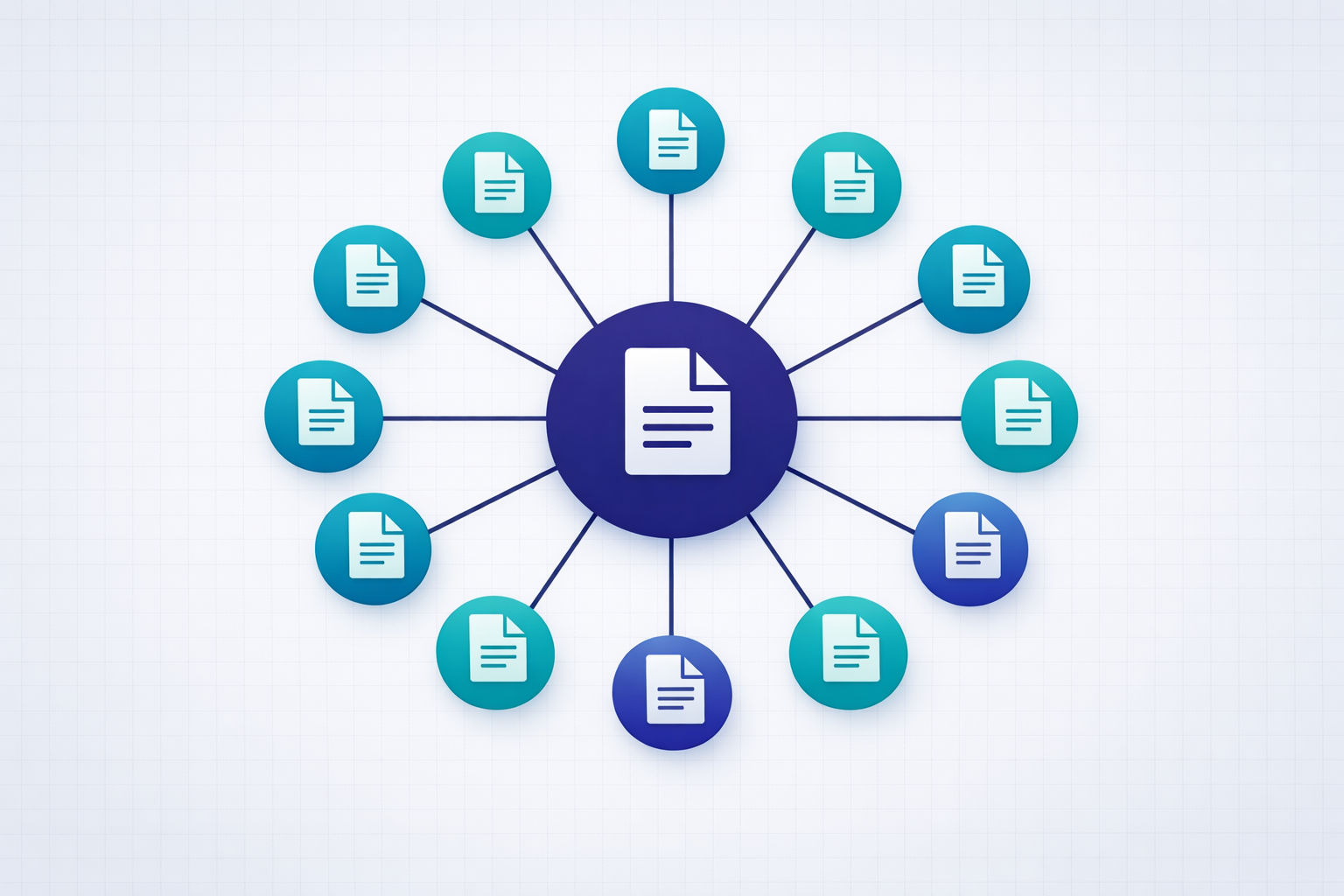
The hub-and-spoke model: every supporting post links to the pillar, and the pillar links to everything. This is how Google reads topical authority.
Step 4: Know What ‘Good Enough’ Coverage Looks Like
Here’s the trap: perfectionism. You start mapping subtopics and suddenly you’ve got 40 article ideas and you’re paralyzed.
Good enough coverage means you can answer every major question a searcher would have about your topic without sending them to another site. That’s it.
Tools like MarketMuse and Clearscope are great for this — they score your content’s topical coverage against top-ranking pages. But they start at $99-$500/month. You probably don’t have that budget yet.
Here’s the free version of the same workflow:
The Free Topical Coverage Audit (No MarketMuse Required)
Step 1
Google your pillar keyword and open the top 5 results
Read each one. Note every subtopic, question, and angle they cover. These are your baseline topics to match or beat.
Step 2
Check 'People Also Ask' and related searches
Google shows you exactly what people want to know. Every PAA question is a potential supporting post or section in your pillar.
Step 3
Run your keyword through AnswerThePublic (free, 2-3 searches/day)
This generates question-based keyword variations organized by who/what/when/where/why/how. Export the results.
Step 4
Use Google Search Console to find gaps after publishing
Once your posts are live, check which queries trigger impressions but low clicks. These are subtopics you should cover next.
Step 5
Apply the '80% rule' — cover 80% of subtopics, skip the rest
You don't need every edge case. If you cover the top 80% of questions searchers have, you've built enough topical depth to rank. Expand later based on data.
Don't fall into the tool trap
You don't need a $500/month MarketMuse subscription to build topical authority. Google Search Console (free), AnswerThePublic (free tier), Ahrefs Webmaster Tools (free), and Google's own 'People Also Ask' boxes give you 80% of the insight at 0% of the cost. Save the budget for when you have traffic to optimize. Check out our breakdown of the only SEO tools indie hackers actually need.
The 8-Week Topical Authority Plan (Starting From Zero)
Here’s the exact execution plan. This assumes you’re a solo founder spending ~5 hours per week on content. That’s one hour per weekday, or two longer sessions on weekends.
8-Week Topical Authority Execution Plan
Week 1Week 1: Niche Selection & Topic Mapping
Pick your niche. Research all subtopics using People Also Ask, AnswerThePublic, and competitor analysis. Map out your pillar page + 10-14 supporting post titles. Finalize your target keywords for each post.
Week 2Week 2: Write and Publish the Pillar Page
This is your cornerstone — a comprehensive 2,000-2,500 word guide on your core topic. Cover all major angles, link out to where supporting posts WILL be (use placeholder anchors). Publish it.
Weeks 3-4Weeks 3-4: Publish 4-6 Supporting Posts
Write 2-3 posts per week targeting your highest-opportunity long-tail keywords (lowest difficulty first). Each post should be 1,200-1,800 words. Add internal links to the pillar and to each other as you publish.
Weeks 5-6Weeks 5-6: Publish Remaining 4-6 Supporting Posts
Continue the cadence. By end of week 6, your entire cluster should be live. Go back and update earlier posts with links to newer ones. Every post should have 3-5 internal links.
Week 7Week 7: Internal Link Audit & Content Polish
Review every post in your cluster. Ensure all internal links are in place (bidirectional). Add any missing subtopics you spotted during writing. Update your pillar page with links to all supporting posts.
Week 8Week 8: Distribution & Measurement Setup
Share your best posts on relevant communities (Indie Hackers, relevant subreddits, Twitter/X). Set up Google Search Console tracking. Verify all pages are indexed. Note your baseline impressions — you'll compare against these at month 3.
After week 8, your job shifts from building to monitoring. Check Search Console weekly. Look for:
- Queries with impressions but no clicks — these are subtopics you should cover or existing posts you should optimize
- Posts climbing in average position — double down on internal linking to these
- New keyword opportunities — Search Console will show you queries you’re accidentally ranking for
This is the same compound growth loop that works for every founder. How long does SEO actually take? We’ve broken down realistic month-by-month benchmarks in a separate deep dive.
What to Expect (The Honest Version)
Let me be direct about timelines.
You will not see meaningful organic traffic in week 2. Probably not in month 1. The realistic timeline for a new blog building topical authority from scratch is 3-6 months before you see consistent organic traffic.
But here’s what the data says happens when it kicks in:
- Clustered content drives 30% more traffic than standalone posts
- Rankings from topic clusters hold 2.5x longer than isolated articles
- Sites with strong topical architecture saw 20-40% visibility lifts after Google’s 2024-2025 core updates, while scattered sites saw 30-60% drops
The alternative? Paid ads at $500-3,000/month for SaaS keywords. Backlink building that takes 12-18 months. Or doing nothing and hoping word of mouth is enough.
Topical authority is the only SaaS content strategy that’s both free and compounds over time. It’s the SEO equivalent of shipping early and iterating — you start lean, measure, and expand based on data.
Once you’ve built your first cluster and want to go deeper, our companion guide on dominating a niche with 20 blog posts covers the next level — how indie hackers use the pillar-cluster model to outrank 500-page competitor blogs.
The bottom line
You don't need 200 blog posts, a content team, or a MarketMuse subscription. You need one tightly defined niche, 15 interlinked posts, and 8 weeks of focused execution. That's enough to build topical authority that outranks sites with 10x your domain authority. The math works. The case studies prove it. The only question is whether you'll start this week.
Skip the content grind. Let Vibeblogger build your topical authority.
Vibeblogger researches, writes, and publishes SEO-optimized content clusters on autopilot — so you can build your product instead of your blog.
See How It Works