Internal Linking Strategy: The SEO Tactic Most Founders Completely Ignore
53% of all URLs have 3 or fewer internal links pointing to them. Here's the data showing why internal linking is the highest-ROI SaaS SEO strategy you're not using — and how to fix it in an afternoon.
Rori Hinds··9 min read
You’ve published 30, 50, maybe 100 blog posts. You did the keyword research. You wrote decent content. You even remembered to add meta descriptions.
But here’s what you probably didn’t do: link those posts to each other in any meaningful way.
This is the single most overlooked part of any SaaS SEO strategy. And the data on how much it costs you is brutal.
The Hard Data: What Internal Linking Actually Does to Rankings
This isn’t theory. We have controlled experiments.
SearchPilot — the company that runs rigorous SEO A/B tests with proper statistical methodology — tested internal linking changes across multiple sites. Their results: 5-11% organic traffic uplift from internal linking changes alone. No new content. No backlinks. Just restructuring how pages link to each other. One test showed a 25% uplift on level-two pages.
But the most compelling case study comes from a B2B SaaS site with 340 pages and a DR of 52. Rankings had been flat for six months. The only change: 47 contextual internal links were added to existing content, using descriptive anchor text, pointing to pages ranking between positions 6-20. If you’re not sure where your posts currently sit in Google, it’s worth pairing this with an understanding of what Google’s ranking algorithm actually prioritizes in 2026.
The Orphan Page Problem
25% of web pages have zero internal links pointing to them (Sure Oak). These orphan pages get no PageRank, minimal crawl attention, and almost never rank. If you've published posts and never linked to them from other content, they're functionally invisible to Google.
The Hard Data: What Internal Linking Actually Does to Rankings
This isn’t theory. We have controlled experiments.
SearchPilot — the company that runs rigorous SEO A/B tests with proper statistical methodology — tested internal linking changes across multiple sites. Their results: 5-11% organic traffic uplift from internal linking changes alone. No new content. No backlinks. Just restructuring how pages link to each other. One test showed a 25% uplift on level-two pages.
But the most compelling case study comes from a B2B SaaS site with 340 pages and a DR of 52. Rankings had been flat for six months. The only change: 47 contextual internal links were added to existing content, using descriptive anchor text, pointing to pages ranking between positions 6-20.
Results from adding 47 internal links to a B2B SaaS site (Source: SerpNap)
Metric
Before
After (14 Days)
Pages on Google page 1
0 of target set
12 pages
Average keyword position
14.3
7.8
Organic traffic to target pages
Baseline
+187%
Crawl rate on slow pages
Baseline
3x increase
That’s 47 links. Not 47 new blog posts. Not 47 backlinks at $500 each. Forty-seven internal links you could add in an afternoon.
Another case study from Linkify tracked a marketing blog with 300 published articles. After implementing a systematic internal linking strategy — building topic clusters, fixing orphan pages, optimizing anchor text — they saw a 43% increase in organic traffic and their bounce rate dropped from 78% to competitive levels.
The Zyppy study puts the full picture together: pages with 40-44 internal links receive 4x more organic traffic than pages with 0-4 links. And pages linked with exact-match anchor text get 5x more traffic than pages using generic “click here” anchors.
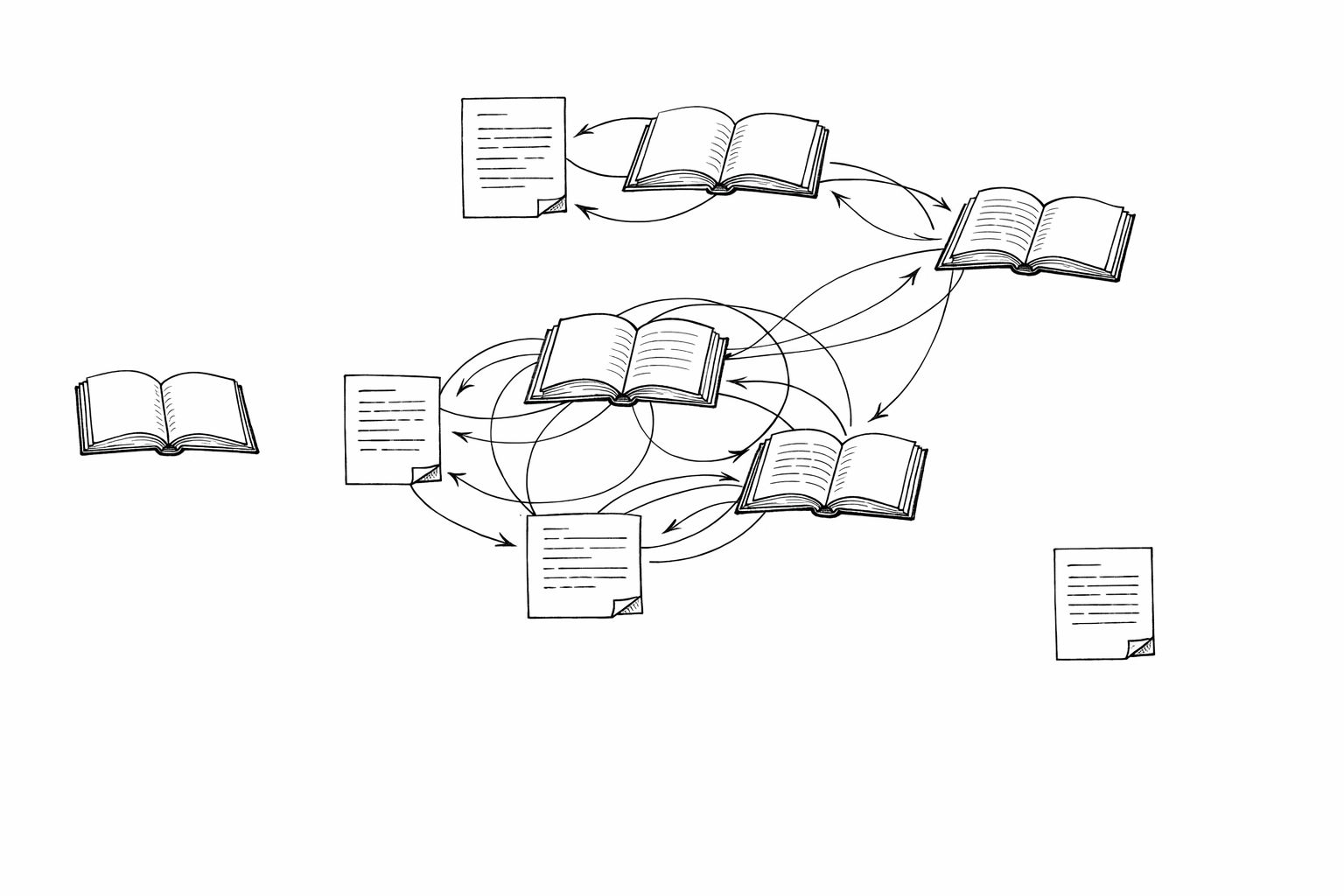
Most SaaS blogs look like the isolated nodes — disconnected content that Google can't properly evaluate.
Why Founders Specifically Miss This
If you’re a founder running your own content strategy for SaaS, you’re focused on creating content — not connecting it. You finish a post, hit publish, share it on Twitter, and move on to the next one.
Nobody teaches internal linking in the “how to start a SaaS blog” guides. The advice is always: do keyword research, write great content, build backlinks. Internal linking gets a sentence or two at best.
The cost is real: without a strong internal link structure, even a well-executed SaaS content strategy fails to convert topical depth into rankings, because Google can’t follow the thread between your related posts.
But here’s what Google’s own John Mueller says about it:
Internal linking is one of the biggest things you can do on a website to kind of guide Google and guide visitors to the pages that you think are important.
Not backlinks. Not content volume. Internal linking. From Google’s own search advocate.\n\nGary Illyes confirmed in 2024 that PageRank is still actively used in ranking — and internal links are how PageRank flows through your site. Think of backlinks as water entering a building. Internal links are the pipes. Without pipes, the water pools at your homepage and never reaches the pages that actually convert.\n\nMost founder-built SaaS blogs have a massive PageRank distribution problem. The homepage has authority from backlinks and brand mentions. But the blog posts three clicks deep? They’re getting almost none of that equity. Your technical SEO foundation might be solid, but without internal links, it doesn’t matter.\n\nInternal linking also only works when your posts aren’t competing with each other. If you have multiple posts targeting the same search intent, PageRank splits instead of compounding — which is why keyword clustering needs to happen before you build your internal link structure.
How to Fix Your Internal Linking in One Afternoon
Here’s the exact process. No tools required beyond Google Search Console and a spreadsheet.
The Internal Linking Fix — A Founder's Playbook
Step 1
Find your orphan pages
Open Google Search Console → Links → Internal Links. Sort by link count. Every page with fewer than 3 internal links is underserved. Every page with zero is an orphan. Export this list. For most SaaS blogs with 30-100 posts, expect 30-50% to be orphaned or nearly orphaned.
Step 2
Identify your 'almost ranking' pages
In Search Console → Performance, filter for pages with average position between 6-20. These are your biggest opportunities — pages Google already thinks are relevant but hasn't committed to ranking highly. Internal links give them the push they need. Prioritize these as link targets.
Step 3
Add 3-5 contextual links per post
Go through your existing posts and add links to related content. Use descriptive, keyword-rich anchor text — not 'click here' or 'read more.' If your target page is about 'SaaS pricing strategies,' link to it with that phrase. Zyppy's data shows exact-match anchors drive 5x more traffic. Aim for one contextual link every 200-300 words.
Step 4
Build topic clusters
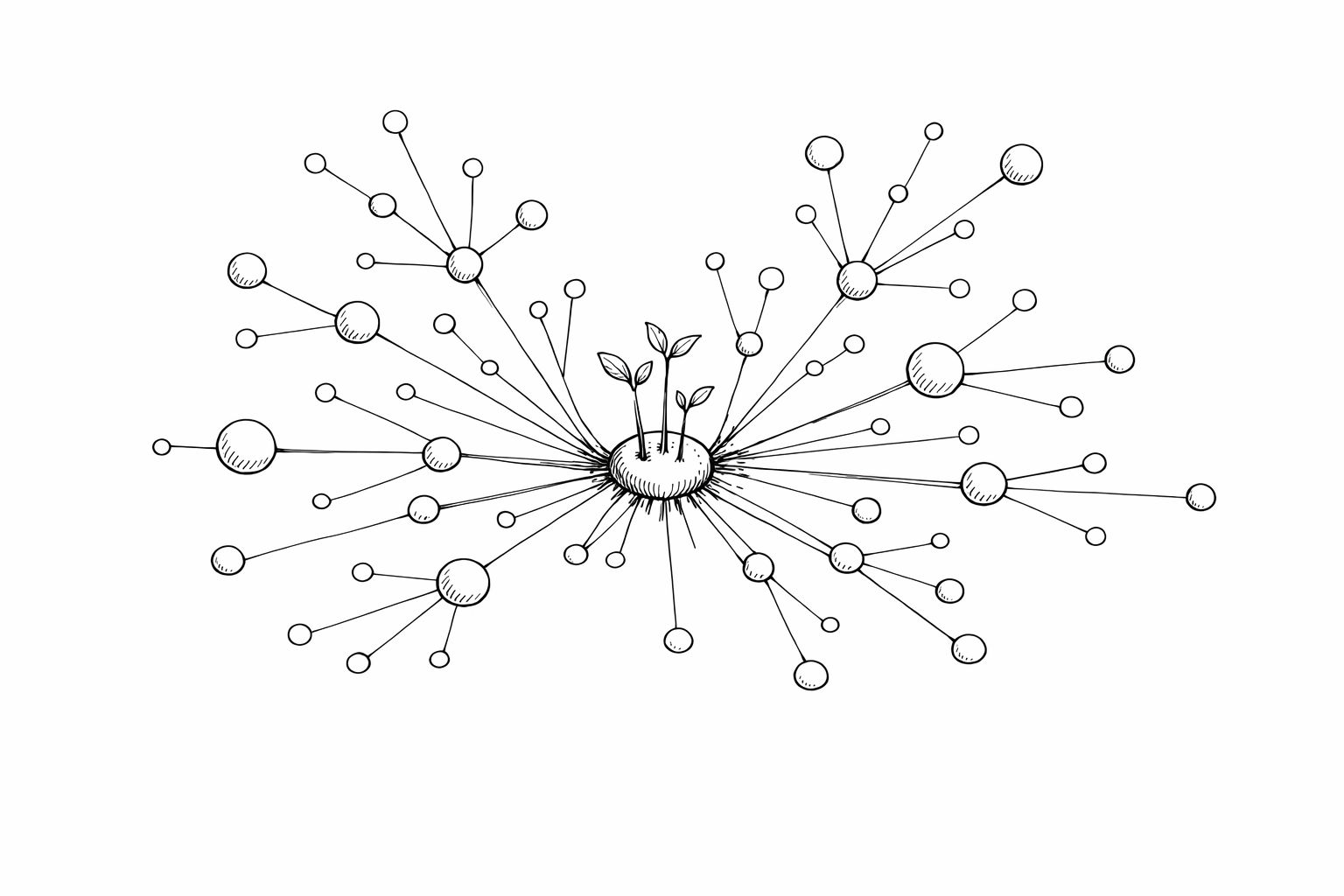
Group your posts into 3-5 core topic areas. Pick or create a comprehensive 'pillar' post for each cluster. Link every related post to its pillar, and link the pillar back to each cluster post. Case study data shows topic clusters drive 30% more organic traffic and hold rankings 2.5x longer (SEO Clarity).
Step 5
Link from high-authority pages to new content
Your homepage and your most-trafficked posts carry the most PageRank. When you publish something new, immediately add a contextual link from 2-3 of your strongest pages. This accelerates crawling and indexing — without it, new posts can take weeks to get indexed properly.
The Sweet Spot: How Many Internal Links?
Zyppy's 23M-link study found the traffic sweet spot is 10-44 internal links per page. Below 10, pages underperform. Above 45-50, traffic starts declining — Google interprets excessive linking as a lack of topical focus. For a typical SaaS blog post of 1,000-2,000 words, 5-10 contextual internal links is the right range.
The Competitive Gap You’re Not Seeing
The Linkify case study compared a blog’s internal linking to three competitors. The numbers were stark:
Client blog: 3.2 internal links per page, 1.1 contextual links per 1,000 words, 22% orphaned content
Competitor average: 12.7 internal links per page, 4.3 contextual links per 1,000 words, 4% orphaned content
The competitors had 4x more internal links per page. That’s not a subtle edge — it’s a structural advantage that compounds across every post they publish.
If you’re wondering how to rank on Google for competitive SaaS keywords, this is a big piece of the puzzle. You can write better content than your competitors, but if their posts are interconnected and yours are isolated, they’ll outrank you. Period. This is why internal linking is a core pillar of any strong SEO for SaaS strategy — it’s the connective tissue that makes your content cluster actually work.
The good news? This is the easiest competitive gap to close. Building backlinks for your startup takes months of outreach. Fixing internal linking takes an afternoon.
Stop Publishing Islands
Every SaaS SEO strategy guide tells you to publish more content. Very few tell you to connect what you’ve already published. That’s backwards.
If you have 30+ blog posts and haven’t done a systematic internal linking pass, you’re leaving traffic on the table. The data is unambiguous: pages with proper internal linking get 4x more organic traffic. Orphan pages waste your crawl budget. Descriptive anchor text gives Google the context it needs to rank your pages.
This isn’t a nice-to-have optimization. It’s foundational. And every week you ignore it, you’re paying the cost in rankings you should already have.
The fix is straightforward. One afternoon. A spreadsheet. Google Search Console. And the discipline to go back through your existing content and connect the dots.
Want Your SaaS to Rank on Google Without the Manual Work?
Vibeblogger researches, writes, internally links, and publishes SEO content for your SaaS — automatically. Every post gets proper internal linking, keyword-optimized anchor text, and topic cluster structure built in. No more orphan pages. No more islands.