You wrote 20 blog posts. You picked good keywords. The content is solid. But when you check Google Search Console, half your pages show “Crawled — currently not indexed.”
Sound familiar? You’re not alone. According to Ahrefs, 96.55% of all pages get zero search traffic from Google. And for founder-built blogs running on modern stacks like Next.js, Vercel, or a headless CMS — the problem often isn’t your content. It’s your technical SEO foundations.
Before you write another word, run this technical SEO audit. It takes 30 minutes, costs nothing, and catches the issues that silently tank your rankings.
Why Technical SEO Is the Silent Killer of Founder-Built Blogs
Here’s the thing most founders miss: Google has to find, crawl, render, and index your page before content quality even matters. If any of those steps break, your blog post is invisible.
And modern developer stacks break these steps in ways WordPress never did.
Self-referential canonical tags that point to ./ instead of the actual URL. A robots.txt that still has the default create-next-app rules. Client-side rendered content that Googlebot can’t read because JavaScript timed out after 5 seconds. Streaming metadata in Next.js 15+ that sends an empty <head> to crawlers.
These aren’t edge cases. One developer discovered that the Next.js streaming metadata bug made Google ignore their entire site — and 176 pages got indexed within days after the fix.
The founder's SEO trap
You can code. You can write. But technical SEO sits in the gap between development and marketing — and it's the part that falls through the cracks. Most of these issues are invisible from the front end. Your site looks perfect in the browser while Google sees a blank page.
The 8-Point Technical SEO Checklist (That Actually Moves the Needle)
This isn’t a 50-item enterprise audit. It’s the 8 checks that matter most for founder-built blogs, ordered by impact. Grab your Google Search Console and let’s go.
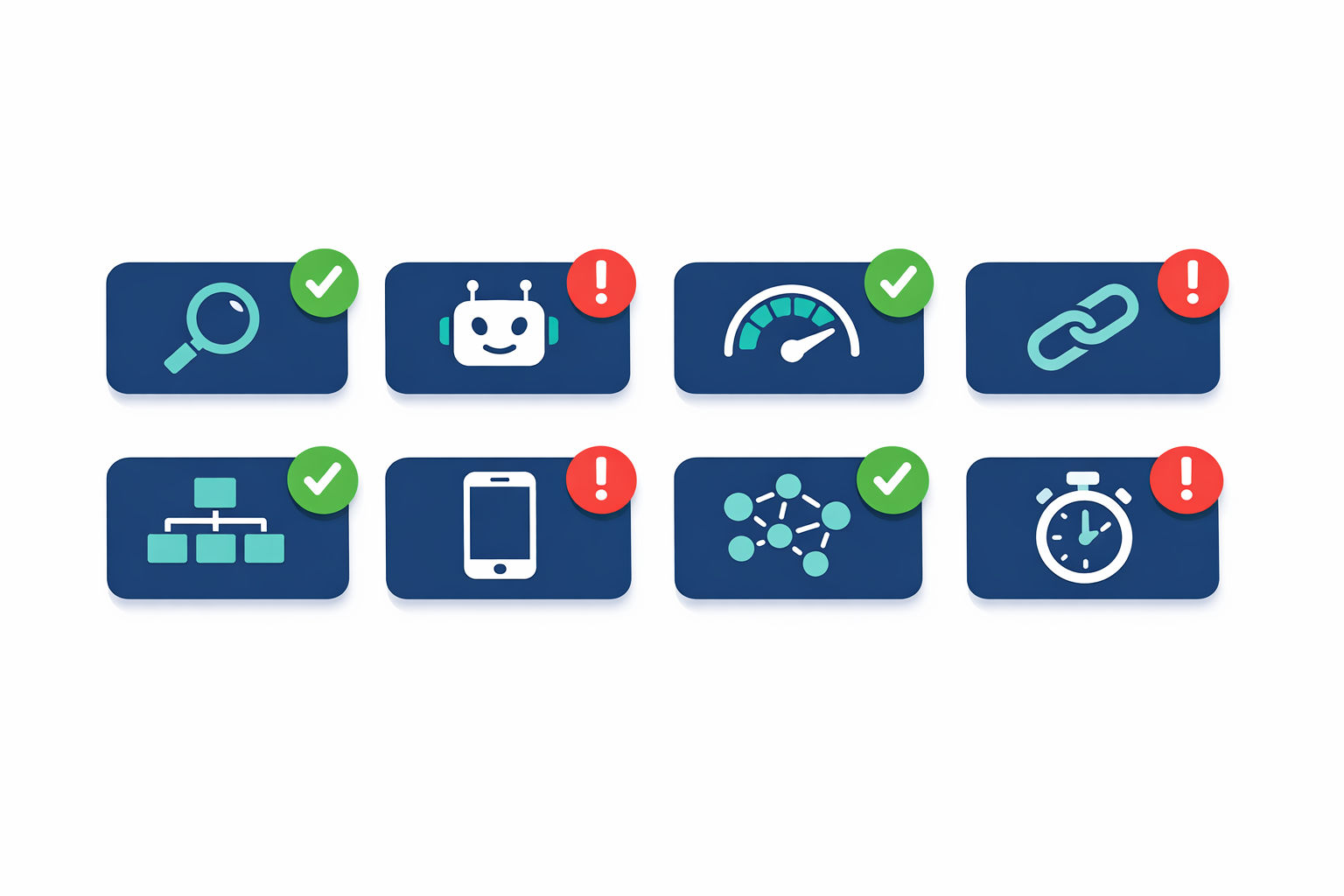
The 8-point technical SEO checklist for founder-built blogs — focus on what actually moves the needle.
The Founder's 8-Point Technical SEO Checklist
Step 1
Is your site actually indexed?
Open Google Search Console → Pages → look at the "Indexed" vs "Not indexed" breakdown. If you see pages stuck in "Discovered — currently not indexed" or "Crawled — currently not indexed," Google found your URLs but decided not to add them. This is the single most important check. No index = no rankings, period. Use `site:yourdomain.com` in Google as a quick sanity check.
Step 2
Are there crawl errors or forgotten noindex tags?
In GSC, check Pages → "Why pages aren't indexed." Look for noindex tags you set during staging and never removed — this happens on up to 40 pages on typical founder-built sites. Also check for 404 errors in your sitemap (Google sees these and assumes your site is outdated). Run Screaming Frog's free tier (up to 500 URLs) to catch noindex tags hiding in your HTML `<head>`.
Step 3
Core Web Vitals — what matters vs. noise
Go to GSC → Experience → Core Web Vitals. The benchmarks that matter: **LCP under 2.5 seconds**, **CLS under 0.1**, **INP under 200ms** (this replaced FID in March 2024). Only 33% of websites pass all three. But here's the nuance: if you're a small blog competing for long-tail keywords, passing CWV is a tiebreaker, not the main event. Fix anything in the 'Poor' category. Don't obsess over getting from 'Good' to 'Perfect.'
Step 4
Canonical tags — the headless blog trap
View source on your blog posts and search for `rel="canonical"`. Every page should have exactly one canonical tag pointing to its own full, absolute URL (e.g., `https://yourdomain.com/blog/my-post`). On Next.js and headless CMS setups, common traps include: canonicals pointing to `./` instead of the full path, missing `key` props in Next.js `<Head>` creating duplicate canonical tags, and URL parameter variations (`?ref=twitter`) creating duplicate content. If Google chose a different canonical than you set, you'll see it in GSC under 'Inspect URL.'
Step 5
XML sitemap — submitted and up to date?
Check GSC → Sitemaps. Is your sitemap.xml submitted? Does it return a 200 status? Are all URLs in it actually pages you want indexed? A quarter of websites have sitemap issues (Ahrefs). Common founder mistakes: including draft or staging URLs, listing pages that return 404s, and forgetting to generate a dynamic sitemap at all. Your sitemap should also be referenced in your `robots.txt`.
Step 6
Mobile usability — 2-minute GSC check
GSC → Experience → Mobile Usability. Google uses mobile-first indexing, meaning it crawls and ranks the mobile version of your site. Look for 'Content wider than screen' and 'Clickable elements too close together' errors. Since 53% of mobile users abandon pages that take over 3 seconds to load (Google's own data), mobile performance is directly tied to whether people even see your content.
Step 7
Internal linking — are new posts discoverable?
This one's huge and most founders ignore it. Research shows cross-linked pages index 3-4x faster than orphan pages. And 66.2% of sites have pages with only one internal link pointing to them. Every new blog post should link to 2-3 existing posts, and you should go back and add links from existing posts to new ones. Check GSC → Links → Internal Links to see which pages have the fewest links. For a deeper dive into the SEO fundamentals that actually move the needle, see our <a href="/blog/seo-for-indie-hackers-why-most-never-get-organic-traffic-and-the-3-things-that-fix-it">guide to SEO for indie hackers</a>.
Step 8
Page speed — TTFB is your benchmark
Run your site through PageSpeed Insights and look at Time to First Byte (TTFB). Your target: **under 600ms**. Ideally under 200ms. A case study by HostStage showed that reducing TTFB from 600ms to 150ms quadrupled crawl efficiency — Google's crawler could process 4x more pages in the same time. TTFB is the 'delay floor' that caps every other metric. If your TTFB is 1 second, your LCP can never be under 1 second.
The Most Common Technical SEO Mistakes on Modern Stacks
If you’re running Next.js, Vercel, or a headless CMS (and let’s be honest, most indie hackers are), you’re exposed to a specific set of problems that WordPress devs never deal with.
The 6 most common technical SEO issues on Next.js, Vercel, and headless CMS setups
| Issue | What Goes Wrong | The Fix |
|---|
| Streaming metadata (Next.js 15+) | generateMetadata() streams <head> tags async — Googlebot parses initial HTML with no canonical, no title, no meta description | Add htmlLimitedBots regex to serve synchronous HTML to crawlers |
| Client-side rendering | Content loaded via useEffect/useState is invisible to Googlebot if JS times out (~5 seconds) | Server-render all critical content with SSR or SSG — avoid 'use client' for data fetching |
| URL parameter duplicates | URLs like /blog?ref=twitter and /blog?utm_source=x create duplicate content | Set self-referencing canonical tags on every page; strip tracking params in middleware |
| Default robots.txt | create-next-app ships with permissive defaults that don't block /_next/ static assets from being crawled | Customize robots.txt to block /_next/ and any staging/admin routes |
| Missing dynamic sitemap | No sitemap generated at build time, or sitemap doesn't update when new content is published | Use Next.js route handlers or your headless CMS's API to generate sitemap.xml dynamically |
| Orphaned blog posts | New posts aren't linked from anywhere except the blog index, making them hard for Google to discover | Add related posts sections, link from existing content, ensure blog index paginates correctly |
Quick check for JS rendering issues
Disable JavaScript in your browser (Chrome DevTools → Settings → Disable JavaScript) and reload your blog post. If you see a blank page or missing content, that's exactly what Googlebot might see when rendering fails or times out. Every piece of critical content should be in the initial HTML response.
Run the Full Audit in Under 30 Minutes (Free Tools Only)
You don’t need expensive enterprise tools for this. Here’s the exact toolkit and how long each step takes.
The free technical SEO audit toolkit — everything you need in 30 minutes
| Tool | What It Checks | Time | Cost |
|---|
| Google Search Console | Indexing status, crawl errors, Core Web Vitals, mobile usability, internal links, sitemaps | 10 min | Free |
| Screaming Frog (free tier) | Crawl up to 500 URLs: broken links, missing canonicals, noindex tags, duplicate titles, redirect chains | 10 min | Free (500 URL limit) |
| PageSpeed Insights | Core Web Vitals lab scores, TTFB, LCP breakdown, render-blocking resources | 5 min | Free |
| Ahrefs Webmaster Tools | 170+ technical/on-page issues, backlink profile, broken links, slow pages | 5 min | Free (verified sites) |
Start with Google Search Console. It’s the only tool that shows you what Google actually sees. Everything else is an approximation.
If you haven’t set up GSC yet, do that first. Verify ownership, submit your sitemap, and wait 48 hours for data to populate. Then come back and run through the 8-point checklist above.
If you’re already tracking your content performance, you know that measuring content marketing ROI starts with making sure Google can actually see your content in the first place.
What to Fix First: Prioritized by Impact
You’ve run the audit. You’ve probably found 3-5 issues. Here’s the order to fix them — highest impact first.
Fix Priority Order (Highest Impact First)
Fix todayPriority 1: Indexing blockers
Remove accidental noindex tags, fix robots.txt blocks, resolve 'Crawled — currently not indexed' issues. If Google can't index your pages, nothing else matters. This alone can unlock rankings for content you published months ago.
Fix todayPriority 2: Canonical tag issues
Fix missing, duplicate, or incorrect canonical tags. URL parameter duplicates are silently splitting your ranking signals across multiple URLs. One correct canonical per page, using the full absolute URL.
Fix this weekPriority 3: Server-side rendering
If critical content is client-rendered only, migrate to SSR or SSG. This fixes both the Googlebot rendering problem and usually improves TTFB and LCP as a side effect.
Fix this weekPriority 4: Internal linking
Add 2-3 internal links to every blog post. Go back to your top-performing pages and add links to newer content. Cross-linked pages index 3-4x faster — this is the easiest win after fixing blockers.
Fix this monthPriority 5: Page speed and Core Web Vitals
Target TTFB under 600ms, LCP under 2.5s, CLS under 0.1. Optimize images, enable caching, and use a CDN. Important, but only matters after Google can actually find and index your content.
The core web vitals benchmarks to remember
LCP (Largest Contentful Paint): under 2.5 seconds
CLS (Cumulative Layout Shift): under 0.1
INP (Interaction to Next Paint): under 200ms
TTFB (Time to First Byte): under 600ms (ideally under 200ms)
Only 33% of websites pass all Core Web Vitals. Getting into that top third gives you a real edge.
Stop Writing, Start Auditing
Every blog post you publish on a broken technical foundation is content that might never rank. It’s like pouring water into a bucket with holes in the bottom.
The good news: most of these fixes are one-time changes. Fix your canonical tags once. Set up your sitemap once. Configure server-side rendering once. Then every post you publish from that point forward benefits automatically.
If you’re building a content strategy that compounds over time, the technical foundation is what makes that compounding possible. And if you’re scaling content with programmatic SEO, getting this right isn’t optional — it’s the difference between 1,000 indexed pages and 1,000 pages Google ignores.
Spend 30 minutes on this audit today. It’s the highest-ROI thing you can do for your blog before writing another word.
Let Vibeblogger handle the blog while you build
You've got the technical foundation right. Now you need consistent, SEO-optimized content without it becoming a second job. Vibeblogger researches, writes, and publishes blog posts on autopilot — so you can focus on your product.
See how it works