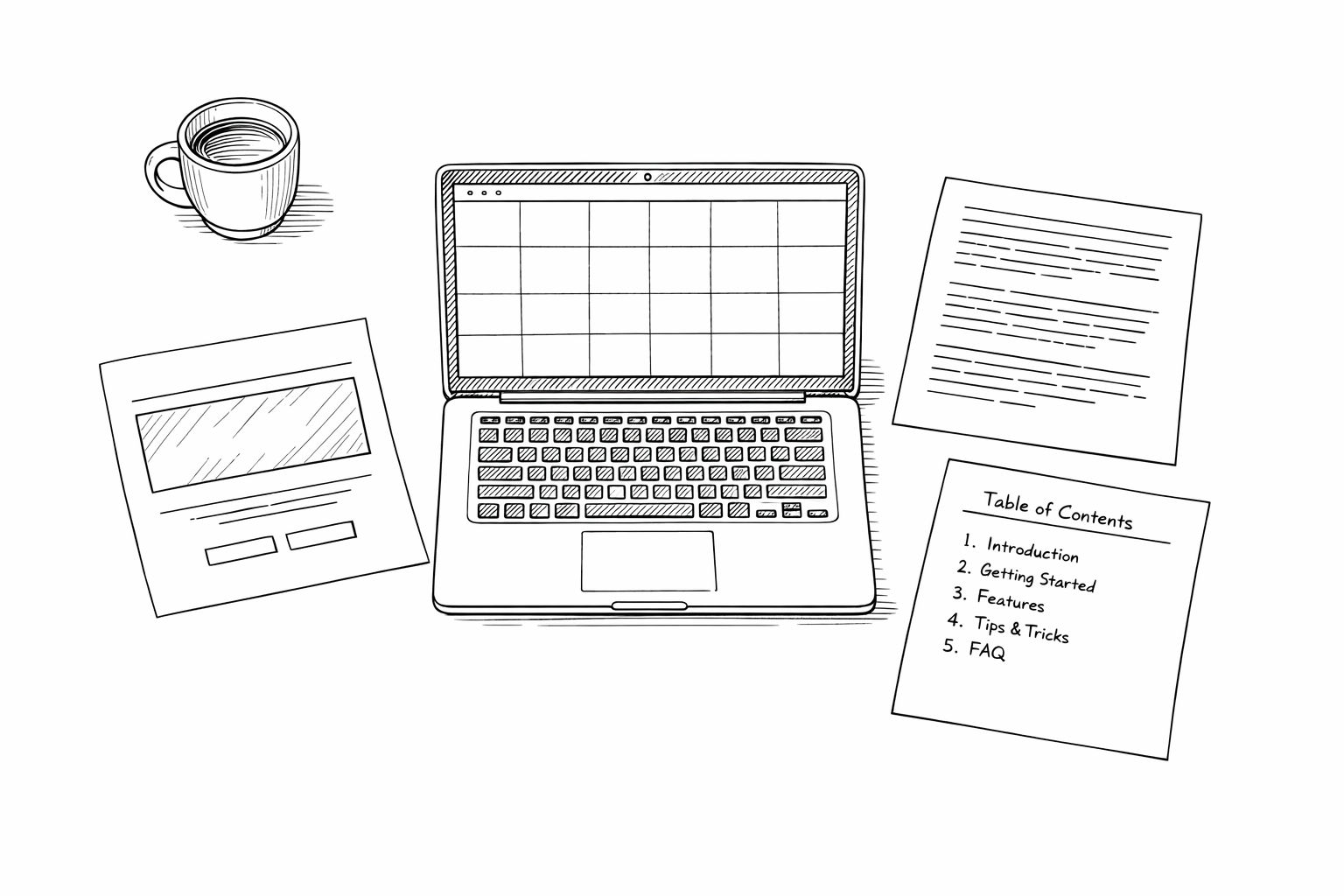
You’ve been heads-down for months. The product works. People who try it love it. But here’s the problem: nobody can try it because you have no landing page, no blog, and your docs are a README with three bullet points.
If you want to learn how to build a SaaS with AI, most guides focus on the product code. This one doesn’t. This is about the other half — the content wrapper that makes your product findable, credible, and sellable. The landing page, the blog posts that drive organic traffic, and the documentation that keeps users from churning.
The old way? Hire a freelance writer at $500–$3,000 for landing page copy alone. Pay $250–$600 per blog post. Spend weekends writing docs nobody reads. Wait 2–4 weeks for an agency to deliver.
The new way takes one day. Here’s exactly how.
The One-Day Content Blitz
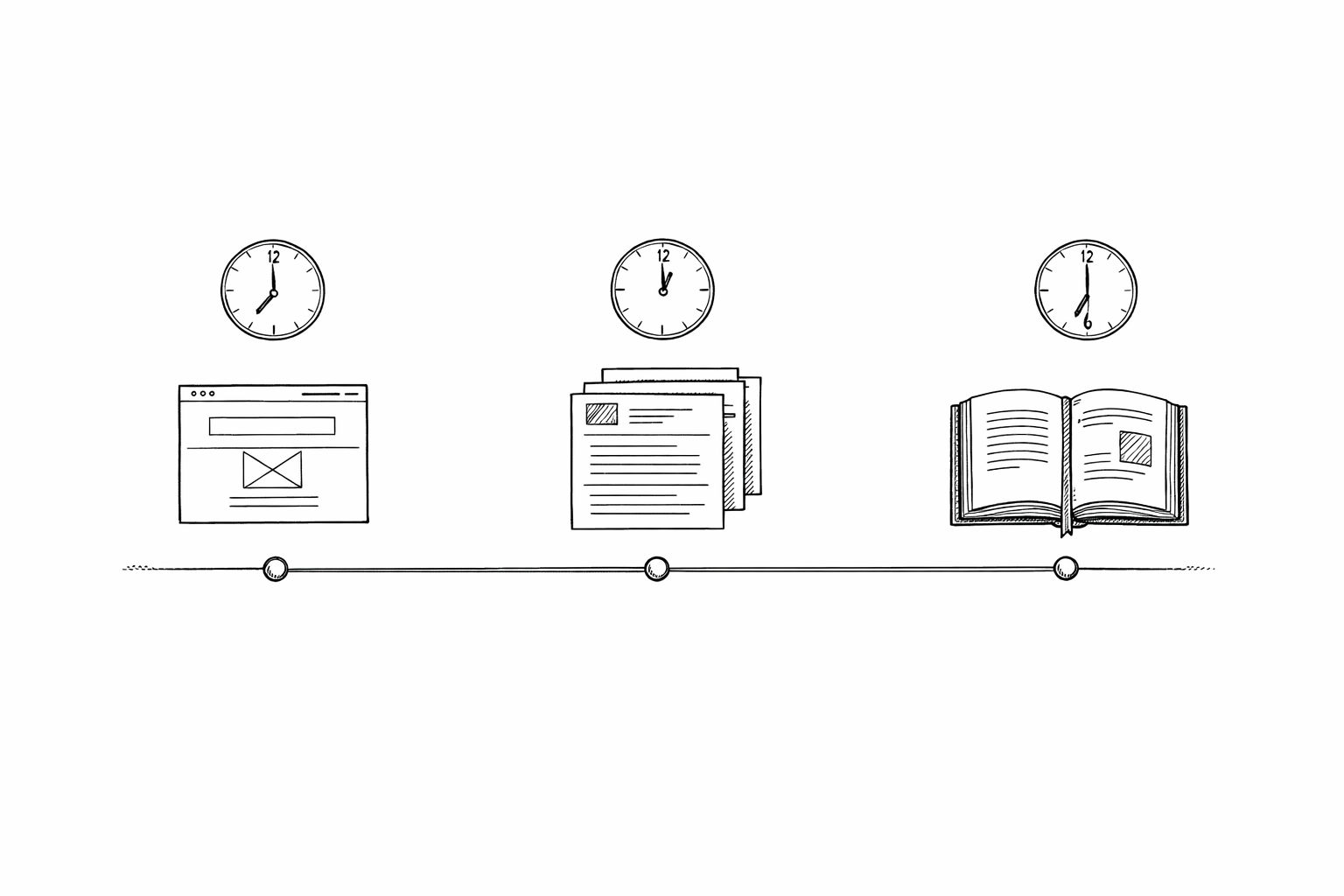
This plan assumes you have a working product and roughly 8 focused hours. You'll spend the morning on your landing page (3 hours), the afternoon on blog content (3 hours), and the evening on documentation (2 hours). Total tooling cost: under $100.
Why This Works Now (and Didn’t Two Years Ago)
92% of US developers now use AI coding tools daily, according to Stack Overflow and GitHub surveys. 25% of Y Combinator’s Winter 2025 batch had codebases that were 95%+ AI-generated. Searches for “vibe coding” spiked 6,700% in spring 2025.
But here’s the number that matters for content specifically: a controlled GitHub study found developers complete tasks 55% faster with AI assistance. That’s not marketing — it’s a randomized trial with a P-value of 0.0017.
The AI app builder market hit $4.23 billion in 2024 and is projected to reach $42.72 billion by 2030 — a 47% CAGR. The tools aren’t just better. They’re mature enough that a solo founder can produce content that used to require a 3-person team. If you want the full rundown of what’s worth using right now, this breakdown of the best AI coding tools for solo founders covers benchmarks and real pricing across the top options.
If you’ve already embraced the vibe coding mindset for building your product, it’s time to apply it to everything around the product too.
Morning: Build Your Landing Page (Hours 1–3)
Your landing page has one job: convert visitors into signups or demo requests. You don’t need 15 sections. You need five:
- Hero with a clear value prop — one sentence, what you do, for whom
- Social proof — logos, testimonials, numbers
- How it works — 3 steps, keep it dead simple
- Features/benefits — 3–4 cards, outcome-focused
- CTA — one clear action, repeated twice
That’s it. Dreamlit AI rebuilt their landing page using Figma, Cursor, and Claude in 3 days. After the refresh, their PostHog analytics showed dwell time up 42%, CTA clicks up 66%, and conversion up 33%. They were also doing high-fidelity design work in Figma first — if you’re going straight to code, you can move faster.
The Tool Stack for Landing Pages
Open your AI coding tool — Cursor ($20/month), Claude Code, or a vibe coding tool that fits your stack. Give it a prompt like:
“Build a Next.js landing page for [your product]. It’s a [one-sentence description] for [target audience]. Include a hero section, 3-step how-it-works, feature cards, testimonials section, and a CTA. Use Tailwind CSS. Make it responsive.”
You’ll have a working page in 15–30 minutes. Then spend the remaining 2.5 hours on what actually matters: the copy.
AI-generated landing pages convert at 1.2–2.1% out of the box, according to speed tests by 8Spark. With human editorial review — rewriting the headline, tightening the value prop, adding real testimonials — that jumps to 3.8–6.5%. The code is the easy part. The words are where you earn your conversions.
Don't Skip the Human Edit
The biggest mistake founders make with AI-generated landing pages: shipping the first draft. AI nails structure and speed, but the copy comes out vague. Spend at least an hour rewriting your hero headline, CTA text, and feature descriptions in your own voice. As Dreamlit's Ajay Sohmshetty put it: "Use AI to amplify your taste, not replace it."
The one-day content blitz: landing page, blog, docs — in that order.
Afternoon: Publish 3–5 Blog Posts (Hours 4–6)
Your landing page gets people in the door. Your blog gets them to the door. SEO is still the highest-ROI marketing channel for startups — and you need content indexed before Google will send you a single visitor.
The goal isn’t to write the definitive guide on your topic. It’s to get 3–5 solid posts published so Google can start crawling, indexing, and understanding what your site is about. You can always improve them later.
Here’s what to write first:
- “What is [your category]?” — captures top-of-funnel search traffic
- “[Your product] vs [alternative]” — captures bottom-of-funnel comparison traffic
- “How to [solve the problem your product solves]” — captures mid-funnel how-to traffic
- A use case walkthrough — shows the product in action
- An opinion piece on your industry — builds authority and gets shared
The key is publishing consistently from day one. A zero-touch blog automation workflow lets you keep that momentum going long after your one-day sprint — so you’re not back to a blank page next week.
And don’t just publish randomly. From the start, map your posts to a proper content strategy for SaaS built around topic clusters — it’s what separates a blog that compounds from one that flatlines after post #10.
The Blog Math
A freelance SaaS writer charges $250–$600 per blog post for 1,500–2,000 words. Five posts = $1,250–$3,000 and 2–4 weeks of back-and-forth.
With AI, you can draft 5 posts in an afternoon. But “draft” is the key word. Raw AI blog content reads like it was written by a committee — technically correct, stylistically dead. You need to inject your perspective, add real data, and make it sound like a human wrote it.
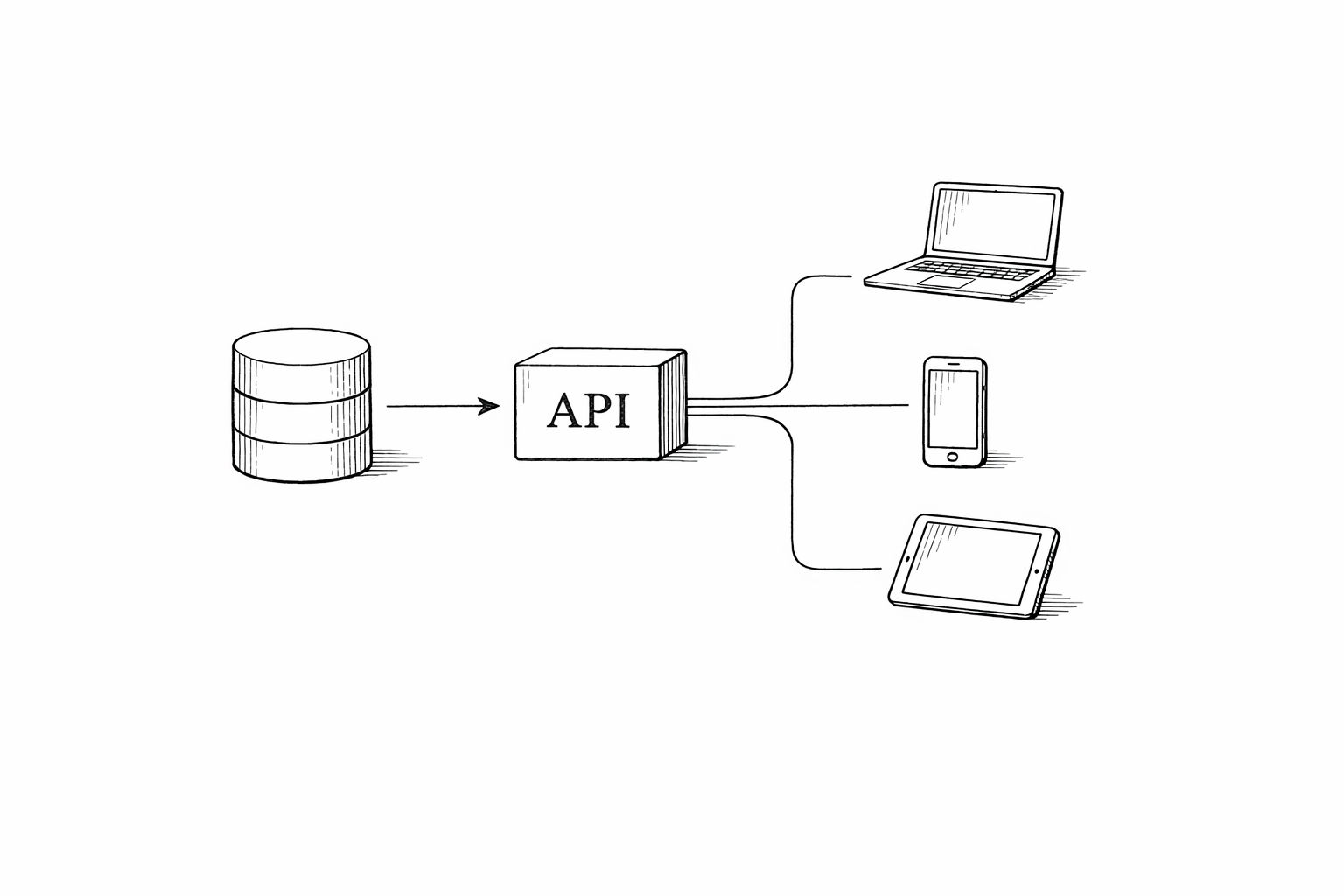
Or you can use a tool that handles the entire pipeline — research, writing, images, SEO optimization, and publishing — so you can focus on building. That’s what a headless blog API is built for.
Either way, the economics are clear. Five posts from a freelancer: ~$2,000. Five posts with AI tooling: ~$50 in subscriptions and a few hours of your time.
Cost and time comparison for producing 5 SaaS blog posts
| Approach | Cost for 5 Posts | Time to Publish | Quality (Raw) |
|---|
| Freelance SaaS Writer | $1,250–$3,000 | 2–4 weeks | High (if you find a good one) |
| ChatGPT + Manual Editing | $20/month | 8–12 hours | Medium (needs heavy editing) |
| AI Content Platform | $50–$200/month | 2–4 hours | Medium-High (built-in SEO + editing) |
| Agency | $3,000–$8,000 | 4–8 weeks | High (but slow and expensive) |
Evening: Ship Your Documentation (Hours 7–8)
Docs are the thing every founder knows they need and nobody wants to write. But here’s why they matter more than you think: companies with strong documentation see 20–66% fewer support tickets, according to StoryToDoc’s analysis. Each support ticket costs roughly $10. If you’re getting 100 tickets a month and good docs cut that by 30%, that’s $300/month saved — and hours of your time back.
Traditional documentation takes 4–8 hours per comprehensive guide. AI tools cut that to 30 minutes to 2 hours — a 75–95% reduction in creation time.
What to Document First
Don’t try to write a 50-page manual. Start with the three pages that prevent 80% of support questions:
- Getting Started — account setup through first success, under 500 words
- Core Workflow — the main thing your product does, step by step
- FAQ / Troubleshooting — the 5 questions you keep answering in email
Feed your codebase or product specs into Claude or ChatGPT and ask it to generate user-facing documentation. Michael Batko built an entire platform with Claude Code in 5 weeks — including a daily blog engine and full docs — for $200 in API credits. The docs part? A fraction of that time.
Your 8-Hour Content Day, Step by Step
Step 1
Hour 1: Scaffold the landing page
Use Cursor, Claude Code, or Bolt to generate a Next.js + Tailwind landing page from a single prompt. Get the 5-section structure live locally.
Step 2
Hours 2–3: Rewrite the copy
The AI gave you structure. Now rewrite the hero headline, feature descriptions, and CTA in your own voice. Add real testimonials or metrics. Deploy to Vercel.
Step 3
Hour 4: Research and outline 5 blog topics
Use AI to do keyword research and generate outlines for 5 posts targeting different funnel stages. Spend 15 minutes per outline adding your unique angle.
Step 4
Hours 5–6: Draft and publish blog posts
Generate drafts with AI, then edit each one for voice, accuracy, and data. Add internal links, images, and meta descriptions. Publish.
Step 5
Hour 7: Generate core documentation
Feed your product specs or codebase into an AI tool. Generate Getting Started, Core Workflow, and FAQ pages. Edit for accuracy.
Step 6
Hour 8: Connect everything and launch
Link blog and docs from your landing page navigation. Submit sitemap to Google Search Console. Post your launch on social channels.
The Real Cost Breakdown
Let’s put actual numbers on this. Here’s what one day of AI-powered content creation costs compared to the traditional route.
Traditional vs. AI-assisted content creation costs for a SaaS launch
| Item | Traditional Cost | AI-Assisted Cost | Time Saved |
|---|
| Landing page copy | $500–$3,000 | $20 (Cursor subscription) | 1–3 weeks → 3 hours |
| 5 blog posts | $1,250–$3,000 | $20–$50 (AI tooling) | 2–4 weeks → 3 hours |
| Product documentation | $2,000–$5,000 (technical writer) | $0–$20 (AI + your time) | 2–4 weeks → 2 hours |
| **Total** | **$3,750–$11,000** | **$40–$90** | **6–12 weeks → 1 day** |
Here’s the honest take: AI-generated content that ships without human review is obvious. We’ve all seen the "vibed" landing pages — gradient backgrounds, neon accent colors, generic copy that says "Transform your workflow" and means nothing.\n\n8Spark’s testing showed raw AI landing pages convert at 1.2–2.1%. With professional-quality human editing, that jumps to 3.8–6.5%. That’s a 3x difference. The AI gets you to 80% in 20% of the time. The last 20% — your voice, real data, specific examples — is where the conversion happens.\n\nThe same applies to blog content. Google’s E-E-A-T framework (Experience, Expertise, Authoritativeness, Trustworthiness) means generic AI output won’t rank. Google has been consistent here: it’s not AI content they penalise, it’s lazy content — and understanding exactly what the Helpful Content Update targets tells you where the real line is. Use AI as a draft engine, not a publish button.\n\nIf you want to rank on Google in 2026, the content needs to be genuinely useful — not just keyword-stuffed.
What You’ll Have by End of Day
If you follow this plan, by tonight you’ll have:
- A live landing page with a clear value prop, social proof, and a working CTA
- 3–5 published blog posts targeting real search queries
- Core product documentation that prevents the most common support questions
- A sitemap submitted to Google so indexing begins immediately
That’s more than most startups ship in their first month of content marketing. And the total cost is under $100 in AI tooling.
Is it perfect? No. You’ll rewrite the landing page headline three more times. You’ll update blog posts as you get feedback. You’ll expand the docs as users ask new questions. But the foundation is live, indexed, and working — instead of sitting in a “TODO: write content” task that never gets done.
The founders who win aren’t the ones with perfect content. They’re the ones who ship it.
Want Your SaaS to Rank on Google Without the Content Grind?
You just read a playbook for a single content sprint. But what about next week? And the week after? Vibeblogger handles the entire blog operation — keyword research, writing, images, SEO optimization, and publishing — on autopilot. Every post on this blog was researched, written, and published by Vibeblogger itself.
See How Vibeblogger Works